About IT Specialist Simulator
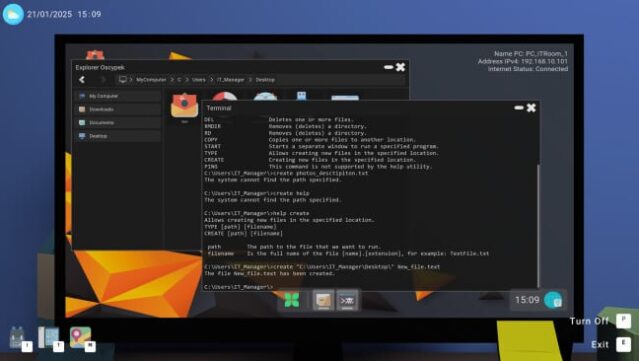
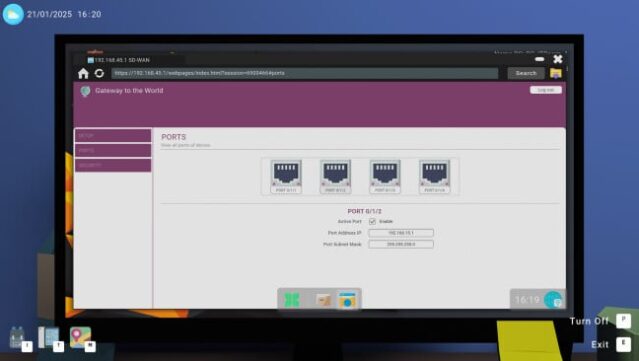
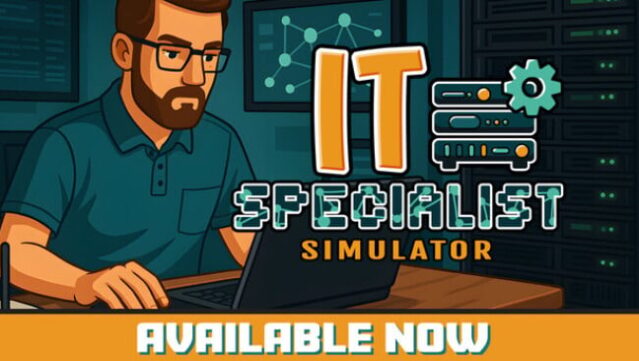
Dive into the fast-paced world of information technology with a game that blends realism and education in a unique way. This simulation places you in the shoes of an IT professional, where diagnosing and resolving network issues, repairing systems, and managing everyday tech troubles are part of your routine. You start as a novice and can evolve through various roles, from support to management, emphasizing strategic decision-making as you prioritize tasks based on service level agreements.
Standout features include a hands-on learning mode that lets you disassemble devices and practice troubleshooting, creating an engaging way to understand IT hardware and software. The game also offers diverse job paths, allowing you to specialize in areas like network administration or server management. Ideal for tech enthusiasts, this title invites players to hone their skills while tackling real-world IT challenges. Perfect for fans of simulation games and anyone interested in the tech industry.
Instructions
- Click the Download button below and you will be redirected to UploadHaven.
- Wait 5 seconds and click on the blue ‘download now’ button. We recommend using a download manager for faster download speeds. (You can use FDM which is free here, or any other download manager).
- Once the game is finished downloading, right click the .zip file and click on “Extract to IT Specialist Simulator v1.4.4.b & ALL DLC.zip” (To do this you will need 7-Zip, which you can get here, or you can use the built in windows extractor).
- Double click inside the IT Specialist Simulator v1.4.4.b & ALL DLC folder and run the setup application. Accept the EULA, and install the game. Then, launch the game through the desktop shortcut.
IT Specialist Simulator Free Download (v1.4.4.b & ALL DLC)
IT Specialist Simulator (v1.4.4.b & ALL DLC)
Size: 935.72 MB
Reminder: This download is completely free and won't cost you a penny. However, If you love the game and want to purchase it, you can support the developers by doing so here.
System Requirements
- Requires a 64-bit processor and operating system
- OS: Windows 10
- Processor: Intel® Core™ i5-6300HQ
- Memory: 8 GB RAM
- Graphics: GeForce GTX950
- DirectX: Version 10
- Storage: 10 GB available space
- Sound Card: DirectX compatible
Screenshots