About Into the Radius VR
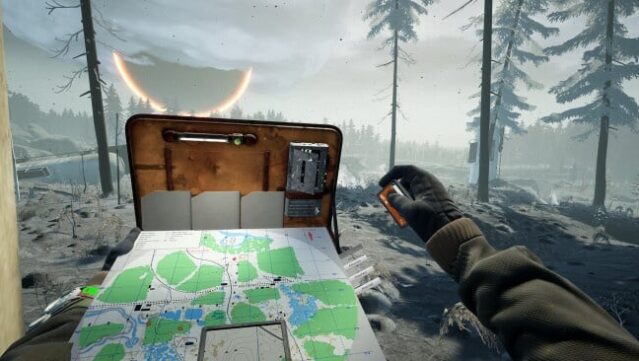
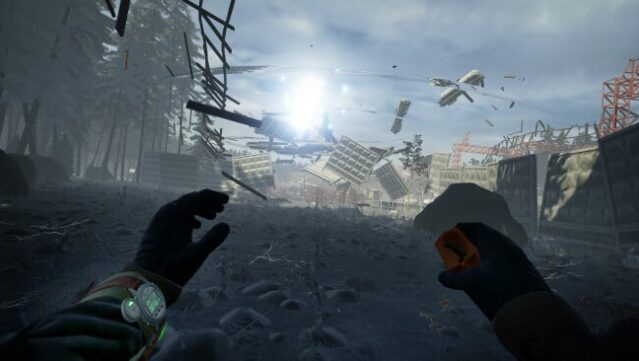
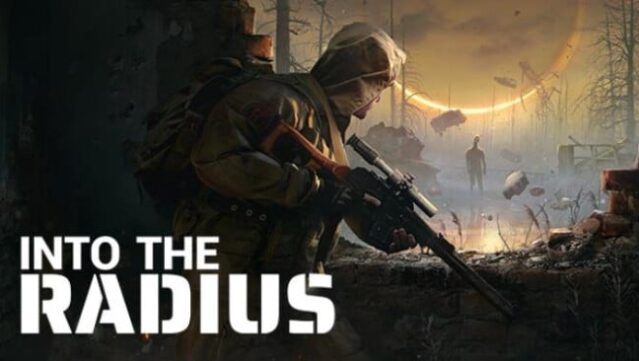
Immerse yourself in a hauntingly atmospheric post-apocalyptic world where survival is your only mission. This single-player survival shooter, designed for premium VR headsets, thrusts players into the eerie Pechorsk Radius Zone, a landscape steeped in mystery and danger. The game features an open world filled with physics-based interactions, authentic weapon handling, and a dynamic day and night cycle that enhances the tension of exploration. As you navigate the unsettling environment, you must employ stealth, climbing, and strategic thinking to survive against deadly anomalies and bizarre entities. Inspired by the story of 'Roadside Picnic', this experience offers a unique blend of horror and adventure that keeps you on edge. Ideal for those who love immersive VR experiences and intense survival gameplay.
Instructions
- Click the Download button below and you will be redirected to UploadHaven.
- Wait 5 seconds and click on the blue ‘download now’ button. We recommend using a download manager for faster download speeds. (You can use FDM which is free here, or any other download manager).
- Once the game is finished downloading, right click the .zip file and click on “Extract to Into the Radius VR v2.7.2.zip” (To do this you will need 7-Zip, which you can get here, or you can use the built in windows extractor).
- Double click inside the Into the Radius VR v2.7.2 folder and run the setup application. Accept the EULA, and install the game. Then, launch the game through the desktop shortcut.
Into the Radius VR Free Download (v2.7.2)
Into the Radius VR (v2.7.2)
Size: 13.75 GB
Reminder: This download is completely free and won't cost you a penny. However, If you love the game and want to purchase it, you can support the developers by doing so here.
System Requirements
- Requires a 64-bit processor and operating system
- OS: Windows 10
- Graphics: Geforce 1070 6 GB
- DirectX: Version 11
- Additional Notes: For Rift, Rift S or Vive
Screenshots