About International Basketball Manager 22
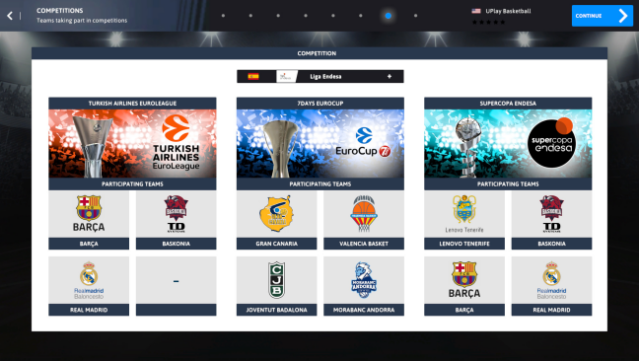
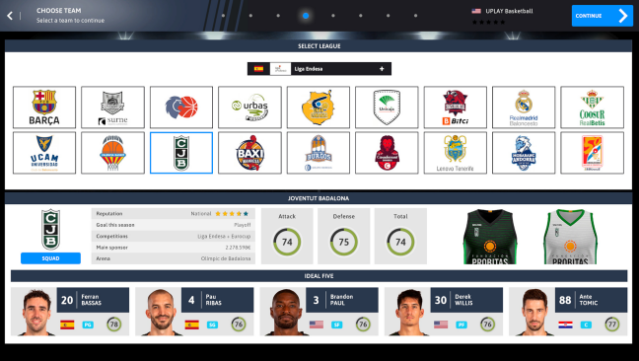
Step into the shoes of a basketball coach and guide your team to greatness in this immersive management simulation. As a sports management game, it puts you in charge of all aspects of your basketball team, requiring strategic thinking and decision-making to achieve top results. The redesigned interface enhances realism, streamlining your daily management tasks while providing access to 20 different leagues from around the globe, featuring over 330 teams and nearly 5,000 players. This depth allows you to fine-tune tactics, engage in player transfers, and handle game-day strategies. Perfect for fans of sports management and those who thrive under pressure, this game challenges you to become a legendary coach.

Instructions
- Click the Download button below and you will be redirected to UploadHaven.
- Wait 5 seconds and click on the blue ‘download now’ button. We recommend using a download manager for faster download speeds. (You can use FDM which is free here, or any other download manager).
- Once the game is finished downloading, right click the .zip file and click on “Extract to International Basketball Manager 22 v1.1.0.zip” (To do this you will need 7-Zip, which you can get here, or you can use the built in windows extractor).
- Double click inside the International Basketball Manager 22 v1.1.0 folder and run the setup application. Accept the EULA, and install the game. Then, launch the game through the desktop shortcut.
International Basketball Manager 22 Free Download (v1.1.0)
International Basketball Manager 22 (v1.1.0)
Size: 424.40 MB
Reminder: This download is completely free and won't cost you a penny. However, If you love the game and want to purchase it, you can support the developers by doing so here.
System Requirements
- OS: Windows 7 SP1, 8/8.1, 10
- Processor: Intel I3 or equivalent
- Memory: 4 GB RAM
- Graphics: Intel GMA X4500, NVIDIA GeForce 9600M GT or AMD/ATI Mobility Radeon HD 3650 – 256MB VRAM
- DirectX: Version 10
- Storage: 2 GB available space
Screenshots