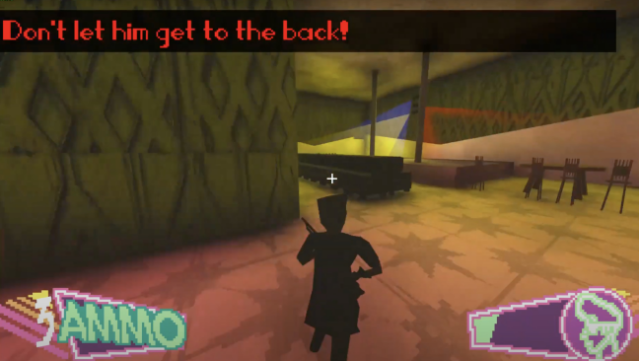
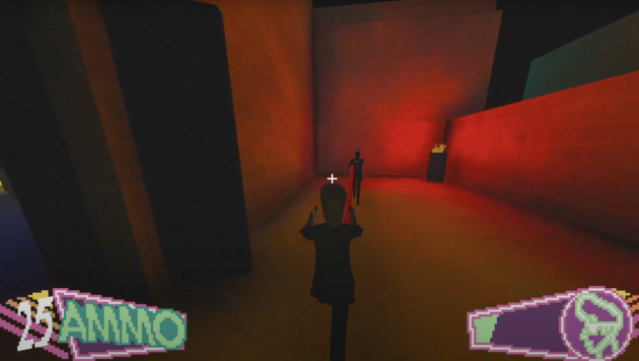
About HYPERJUSTICE
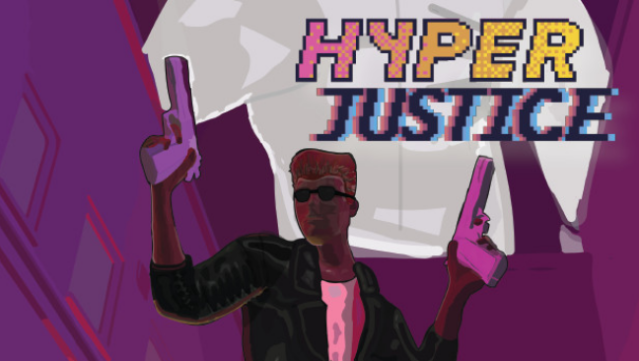
Step into a neon-lit, blood-soaked Miami that feels straight out of a classic 1980s cop flick. This fast-paced third-person shooter plunges you into a chaotic world where crime runs rampant, and every second counts as you battle mobsters to thwart the spread of a devastating drug. Set in the perilous year of 1989, you navigate through ten intense levels, each brimming with action and danger.
The gameplay emphasizes agility and quick reflexes, allowing you to perform acrobatic maneuvers like jumping, rolling, and diving to dodge incoming fire while adapting your strategy based on available weapons and the ever-evolving battlefield. With its blend of nostalgic aesthetics and high-octane combat, this title is perfect for fans of action-packed shooters and retro vibes. If you enjoyed classic action films or titles that prioritize fast-paced gameplay, you’ll definitely want to check this one out.
Instructions
- Click the Download button below and you will be redirected to UploadHaven.
- Wait 5 seconds and click on the blue ‘download now’ button. We recommend using a download manager for faster download speeds. (You can use FDM which is free here, or any other download manager).
- Once the game is finished downloading, right click the .zip file and click on “Extract to HYPERJUSTICE.zip” (To do this you will need 7-Zip, which you can get here, or you can use the built in windows extractor).
- Double click inside the HYPERJUSTICE folder and run the setup application. Accept the EULA, and install the game. Then, launch the game through the desktop shortcut.
HYPERJUSTICE Free Download
Reminder: This download is completely free and won't cost you a penny. However, If you love the game and want to purchase it, you can support the developers by doing so here.
System Requirements
- Requires a 64-bit processor and operating system
- OS: Windows 7 Or Later
- Processor: 2.4GHZ Dual Core Processor
- Memory: 2 GB RAM
- Graphics: AMD Radeon Vega 3 or equivalent
- DirectX: Version 12
- Storage: 800 MB available space
Screenshots