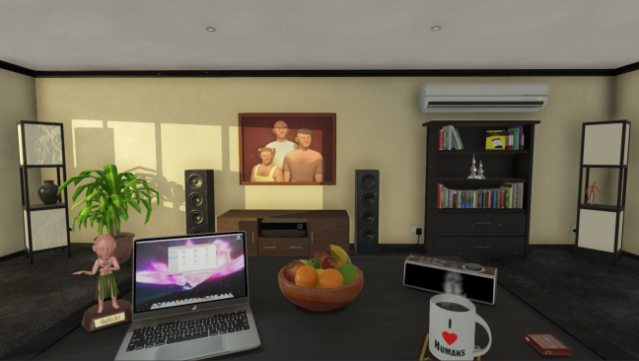
About Human Simulator
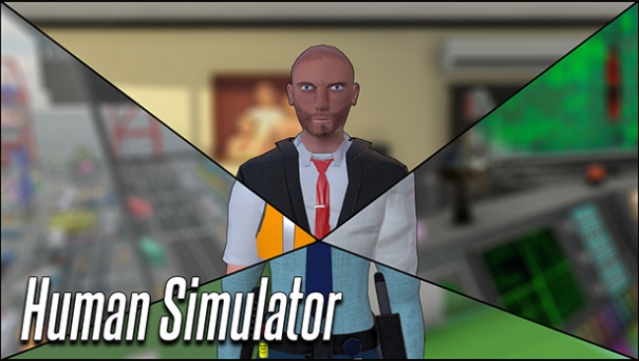
Step into the quirky shoes of Mr. Hugh Mann, a charming character who longs to embrace humanity despite his uncanny differences. This unique simulation game combines humor and challenge as you control Hugh's movements—his head, arms, and legs—while he tackles a variety of amusing and bizarre jobs. The core gameplay revolves around navigating increasingly complex tasks that shed light on the often-overlooked struggles of being human.
From awkward interactions to absurd scenarios, each level presents a fresh opportunity for laughter and learning. The game's standout feature is its emphasis on physical control, requiring you to manually manipulate Hugh as he attempts to blend in and earn acceptance. If you're up for a fun experience that highlights the hilarity of human life, you’ll find this game a delightful treat. Perfect for fans of whimsical simulations and offbeat humor!
Instructions
- Click the Download button below and you will be redirected to UploadHaven.
- Wait 5 seconds and click on the blue ‘download now’ button. We recommend using a download manager for faster download speeds. (You can use FDM which is free here, or any other download manager).
- Once the game is finished downloading, right click the .zip file and click on “Extract to Human Simulator.zip” (To do this you will need 7-Zip, which you can get here, or you can use the built in windows extractor).
- Double click inside the Human Simulator folder and run the setup application. Accept the EULA, and install the game. Then, launch the game through the desktop shortcut.
Human Simulator Free Download
Reminder: This download is completely free and won't cost you a penny. However, If you love the game and want to purchase it, you can support the developers by doing so here.
System Requirements
- OS: Windows 10
- Processor: Intel Core i7-4770 CPU 3.4GHz Dual Core
- Memory: 4 GB RAM
- Graphics: Nvidia Geforce GTX 770
- DirectX: Version 9.0
- Storage: 6 GB available space
- Sound Card: DirectX9.0 compatible sound card
- Additional Notes: Requires mouse and keyboard
Screenshots