About Hoggy 2
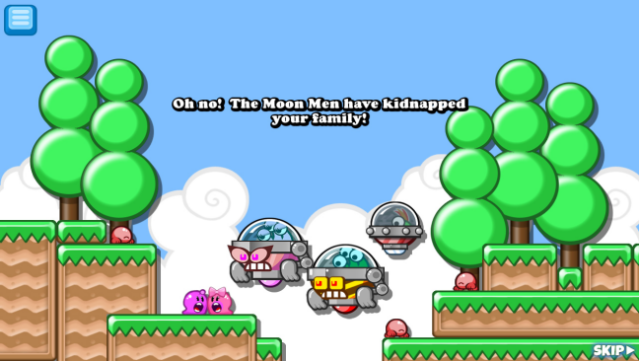
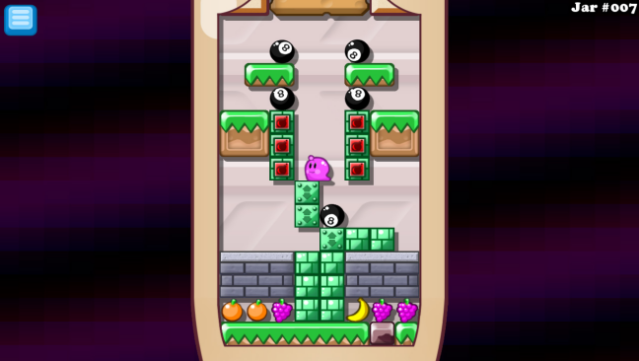
Prepare for a platforming adventure like no other, where gravity becomes your best friend and worst enemy. In this sequel, you guide the lovable slime-molds, Hoggy and Hogatha, as they embark on a mission to rescue their children from the clutches of the Moon Men. The core gameplay revolves around an innovative mechanic: stick to ceilings with every jump, allowing for unique navigation through over 200 meticulously crafted levels. Each stage offers alternate paths to unlock hidden secrets and stars, and you'll face quirky boss battles that bring a fresh spin to the genre. Plus, the game boasts a robust online community where players can create, share, and play endless user-generated levels. This title is perfect for fans of creative platformers and anyone who enjoys a challenge.
Instructions
- Click the Download button below and you will be redirected to UploadHaven.
- Wait 5 seconds and click on the blue ‘download now’ button. We recommend using a download manager for faster download speeds. (You can use FDM which is free here, or any other download manager).
- Once the game is finished downloading, right click the .zip file and click on “Extract to Hoggy 2 v11.0.zip” (To do this you will need 7-Zip, which you can get here, or you can use the built in windows extractor).
- Double click inside the Hoggy 2 v11.0 folder and run the setup application. Accept the EULA, and install the game. Then, launch the game through the desktop shortcut.
Hoggy 2 Free Download (v11.0)
Hoggy 2 (v11.0)
Size: 58.19 MB
Reminder: This download is completely free and won't cost you a penny. However, If you love the game and want to purchase it, you can support the developers by doing so here.
System Requirements
- OS: Windows XP, Windows Vista, Windows 7, Windows 8, or Windows 10
- Processor: Any Intel or AMD processor, 1ghz
- Memory: 1 GB RAM
- Graphics: Any accelerator card
- DirectX: Version 7.1
- Storage: 120 MB available space
- Sound Card: Any
Screenshots