About HELLCARD
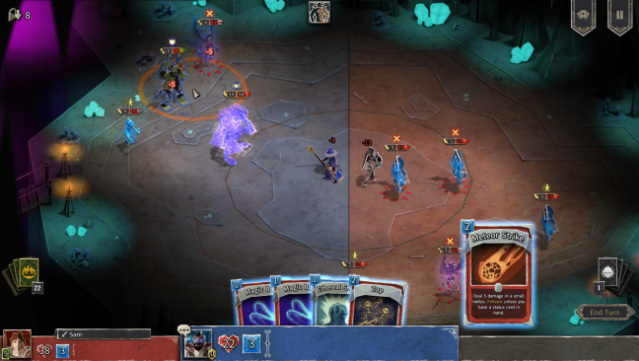
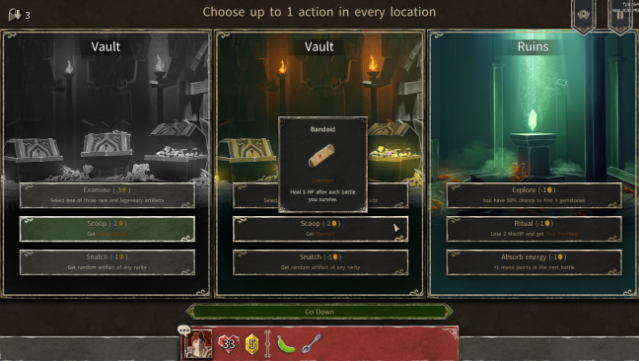
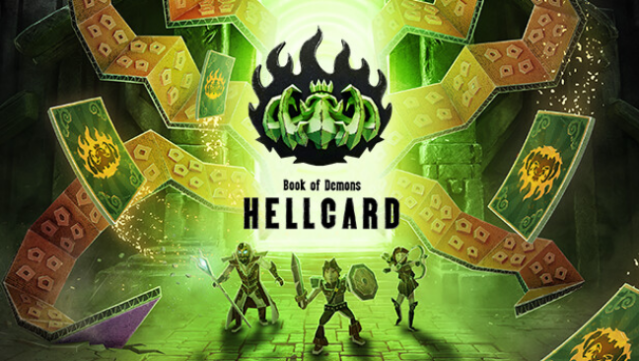
Dive into a thrilling blend of strategy and chaos in this cooperative roguelike deckbuilder, where every move matters in a world of paper dungeons. Set in the same universe as Book of Demons, players engage in fast-paced tactical card battles against relentless hordes. The unique twist here is the strategic placement of monsters, allowing you to leverage the battlefield to your advantage. You can team up with up to three friends in multiplayer or tackle the dungeon solo with AI companions. The game's emphasis on collaboration and dynamic monster interactions sets it apart from typical deck-building experiences. Ideal for fans of cooperative strategy games or anyone looking for a fresh take on the genre, this title promises a compelling adventure for both solo players and teams alike.
Instructions
- Click the Download button below and you will be redirected to UploadHaven.
- Wait 5 seconds and click on the blue ‘download now’ button. We recommend using a download manager for faster download speeds. (You can use FDM which is free here, or any other download manager).
- Once the game is finished downloading, right click the .zip file and click on “Extract to HELLCARD v1.1.250731 & ALL DLC.zip” (To do this you will need 7-Zip, which you can get here, or you can use the built in windows extractor).
- Double click inside the HELLCARD v1.1.250731 & ALL DLC folder and run the setup application. Accept the EULA, and install the game. Then, launch the game through the desktop shortcut.
HELLCARD Free Download (v1.1.250731 & ALL DLC)
HELLCARD (v1.1.250731 & ALL DLC)
Size: 1.32 GB
Reminder: This download is completely free and won't cost you a penny. However, If you love the game and want to purchase it, you can support the developers by doing so here.
System Requirements
- OS: Windows 7, 8, 8.1, 10, 11
- Processor: 1.7 GHz Dual Core or Greater
- Memory: 2 GB RAM
- Graphics: 512 MB DirectX 9.0c compatible graphics card
- Sound Card: DirectX 9.0c compatible
Screenshots