About Hegemony Rome: The Rise of Caesar
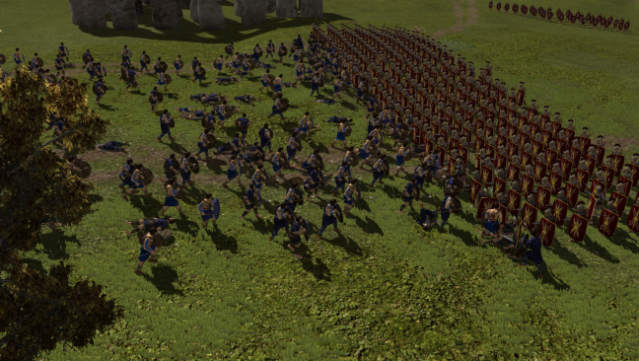
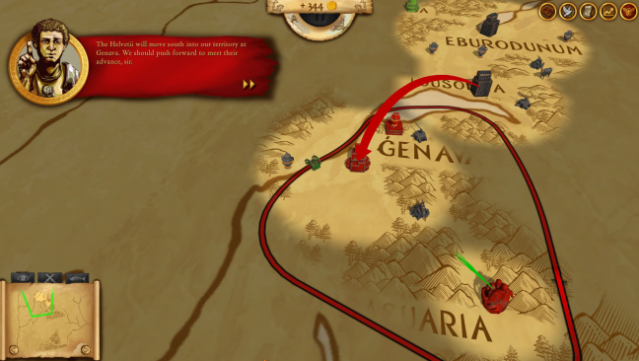
Step into the tumultuous era of ancient Gaul, where strategic warfare and historical authenticity collide in a unique real-time strategy experience. Players take on the role of Julius Caesar, navigating a decade-long campaign to conquer the fierce barbarian tribes while managing resources and adapting to seasonal changes. The game features an expansive, meticulously detailed map that accurately represents the geography of the time, allowing players to seamlessly shift from a grand overview of their empire to the heat of battle. With options to either secure Roman dominance or unite the Gallic tribes against the invaders in sandbox mode, this title offers deep gameplay and rich storytelling. It's a must-try for history buffs and strategy enthusiasts alike.

Instructions
- Click the Download button below and you will be redirected to UploadHaven.
- Wait 5 seconds and click on the blue ‘download now’ button. We recommend using a download manager for faster download speeds. (You can use FDM which is free here, or any other download manager).
- Once the game is finished downloading, right click the .zip file and click on “Extract to Hegemony Rome: The Rise of Caesar v2.2.3 & ALL DLC.zip” (To do this you will need 7-Zip, which you can get here, or you can use the built in windows extractor).
- Double click inside the Hegemony Rome: The Rise of Caesar v2.2.3 & ALL DLC folder and run the setup application. Accept the EULA, and install the game. Then, launch the game through the desktop shortcut.
Hegemony Rome: The Rise of Caesar Free Download (v2.2.3 & ALL DLC)
Hegemony Rome: The Rise of Caesar (v2.2.3 & ALL DLC)
Size: 1.96 GB
Reminder: This download is completely free and won't cost you a penny. However, If you love the game and want to purchase it, you can support the developers by doing so here.
System Requirements
- OS: Windows XP / Vista / Windows 7 / Windows 8
- Processor: 2 GHz Intel Dual Core processor
- Memory: 3 GB RAM
- Graphics: 512 MB DirectX 9.0c compatible card
- DirectX: Version 9.0c
- Network: Broadband Internet connection
- Storage: 3 GB available space
- Sound Card: DirectX 9.0c-compatible sound card
Screenshots