About Golden Record Retriever
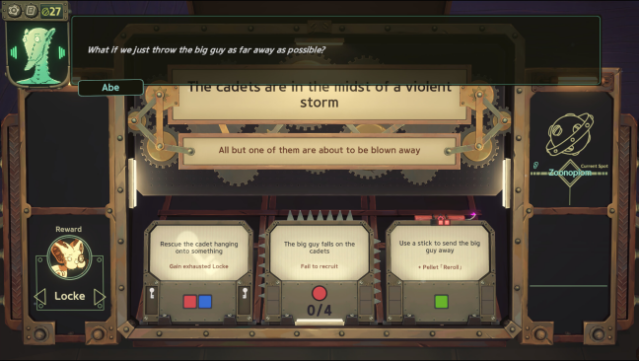
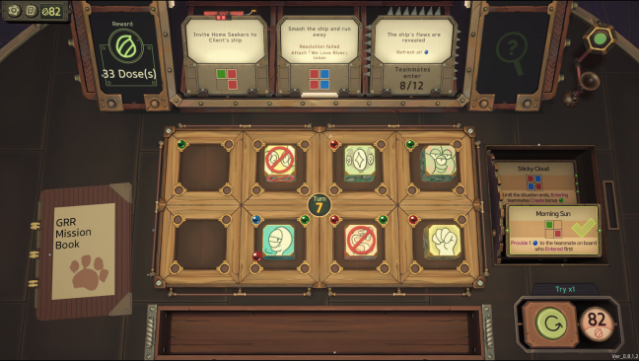
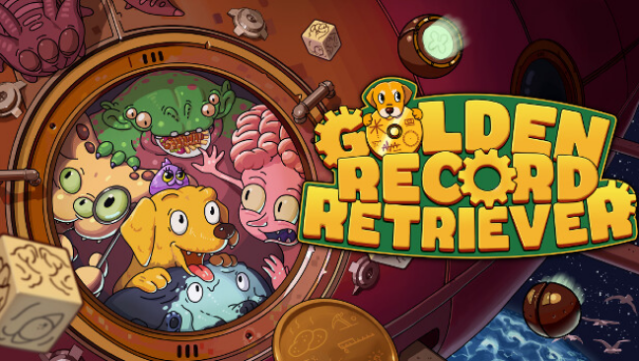
Embark on a whimsical adventure in a universe where your mission is to save endangered planets, all while embodying an adorable golden retriever named River. This unique blend of puzzle and strategy game invites you to retrieve scattered Golden Records sent into space by your owner. As part of the Cosmic Security Organization, you navigate through various missions, but you're not alone—recruiting quirky alien allies adds depth to your journey.
Each new teammate grants you a special die with unique skills, which you strategically use to create "auras" that solve intricate puzzles. The challenge lies in managing your limited resources and clever planning, making every decision count. If you enjoy inventive puzzles combined with charming storytelling, this game is definitely for you.
Instructions
- Click the Download button below and you will be redirected to UploadHaven.
- Wait 5 seconds and click on the blue ‘download now’ button. We recommend using a download manager for faster download speeds. (You can use FDM which is free here, or any other download manager).
- Once the game is finished downloading, right click the .zip file and click on “Extract to Golden Record Retriever v0.8.1.24.zip” (To do this you will need 7-Zip, which you can get here, or you can use the built in windows extractor).
- Double click inside the Golden Record Retriever v0.8.1.24 folder and run the setup application. Accept the EULA, and install the game. Then, launch the game through the desktop shortcut.
Golden Record Retriever Free Download (v0.8.1.24)
Golden Record Retriever (v0.8.1.24)
Size: 686.05 MB
Reminder: This download is completely free and won't cost you a penny. However, If you love the game and want to purchase it, you can support the developers by doing so here.
System Requirements
- OS: Windows 10
- Processor: Intel Core i5-760 (4 * 2800); AMD Athlon II X4 645 AM3 (4 * 3100)
- Memory: 4 GB RAM
- Graphics: GeForce GTX 550 Ti (3072 VRAM); Radeon HD 6850 (1024 VRAM)
- Storage: 3 GB available space
Screenshots