About G String
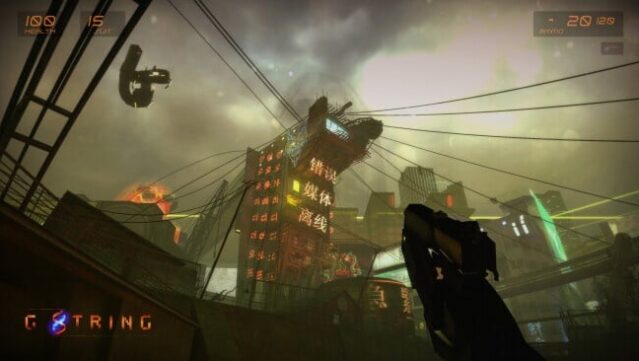
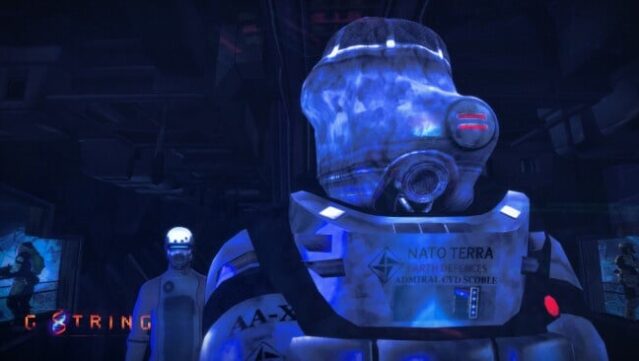
Immerse yourself in a richly crafted cyberpunk universe where you play as Myo Hyori, a talented teenage girl navigating the dangers of a crumbling future. This first-person shooter blends exploration, light environmental puzzles, and a narrative-driven campaign, inviting players to uncover the depths of an expansive metropolis and its surrounding areas. With a focus on storytelling and world-building, the game embraces an old-school philosophy, providing minimal guidance as you unravel the mysteries of your surroundings. Notable features include a detailed biosuit that enhances gameplay and a captivating atmosphere that pulls you into a dystopian reality. Perfect for fans of narrative-heavy shooters and those who appreciate a challenge without hand-holding.
Instructions
- Click the Download button below and you will be redirected to UploadHaven.
- Wait 5 seconds and click on the blue ‘download now’ button. We recommend using a download manager for faster download speeds. (You can use FDM which is free here, or any other download manager).
- Once the game is finished downloading, right click the .zip file and click on “Extract to G String.zip” (To do this you will need 7-Zip, which you can get here, or you can use the built in windows extractor).
- Double click inside the G String folder and run the setup application. Accept the EULA, and install the game. Then, launch the game through the desktop shortcut.
G String Free Download
Reminder: This download is completely free and won't cost you a penny. However, If you love the game and want to purchase it, you can support the developers by doing so here.
System Requirements
- OS: Vista/XP
- Processor: Intel core 2 duo 2.4GHz or higher
- Memory: 4 GB RAM
- Graphics: 512 MB of memory or more. Requires support for Shader Model 2.
- DirectX: Version 9.0c
- Storage: 15 GB available space
- Additional Notes: For better performance disable the new effects under the “FX” tab.
Screenshots