About FPV Labs - Drone Simulator
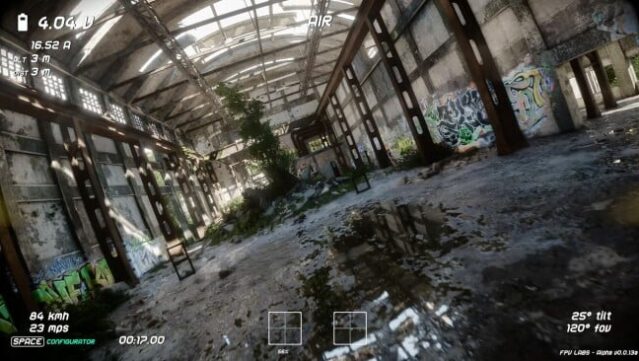
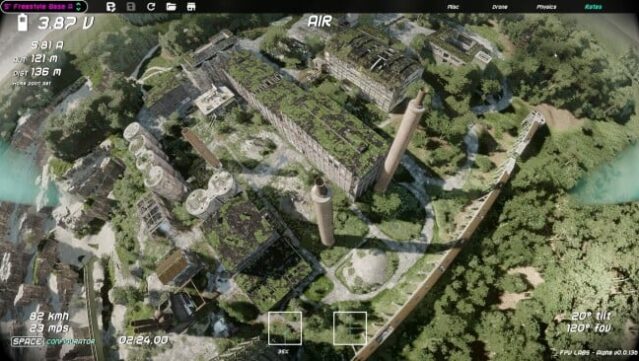
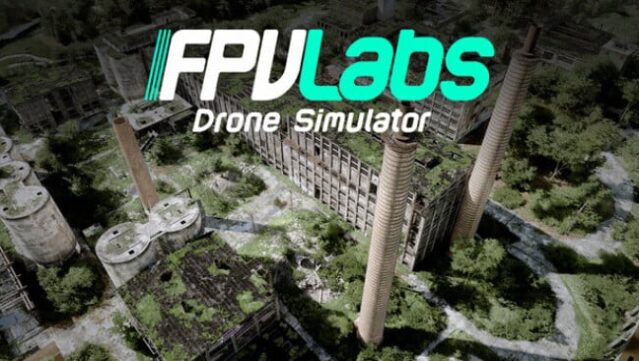
Immerse yourself in an authentic drone-flying experience that translates virtual practice into real-world skills. This simulator stands out by being crafted specifically for FPV enthusiasts, offering a detailed configurator that allows you to fine-tune every aspect of your quadcopter—from frame size to PID tuning—ensuring your virtual flights mimic your actual setups. The realistic physics engine simulates propwash, turbulence, and crash dynamics, giving you a true-to-life flying sensation across its beautifully crafted maps inspired by real-world locations. With dynamic lighting and advanced sound design, you can customize your experience and share setups with the community. Singleplayer mode is available now, with plans for multiplayer in the works. If you're passionate about FPV flying, this simulator is a must-try.
Instructions
- Click the Download button below and you will be redirected to UploadHaven.
- Wait 5 seconds and click on the blue ‘download now’ button. We recommend using a download manager for faster download speeds. (You can use FDM which is free here, or any other download manager).
- Once the game is finished downloading, right click the .zip file and click on “Extract to FPV Labs - Drone Simulator v0.1.0a.zip” (To do this you will need 7-Zip, which you can get here, or you can use the built in windows extractor).
- Double click inside the FPV Labs - Drone Simulator v0.1.0a folder and run the setup application. Accept the EULA, and install the game. Then, launch the game through the desktop shortcut.
FPV Labs – Drone Simulator Free Download (v0.1.0a)
FPV Labs - Drone Simulator (v0.1.0a)
Size: 6.47 GB
Reminder: This download is completely free and won't cost you a penny. However, If you love the game and want to purchase it, you can support the developers by doing so here.
System Requirements
- Requires a 64-bit processor and operating system
- OS: Windows 10 / 11
- Processor: Intel Core i5 2.6GHz
- Memory: 8 GB RAM
- Graphics: NVIDIA GTX 1060 6GB
- DirectX: Version 12
- Storage: 10 GB available space
- Additional Notes: A real RC transmitter is highly recommended for the best FPV experience. System requirements may change during development as we continue to optimize the simulator.
Screenshots