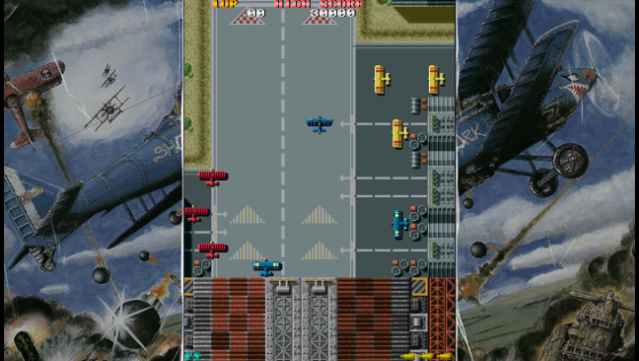
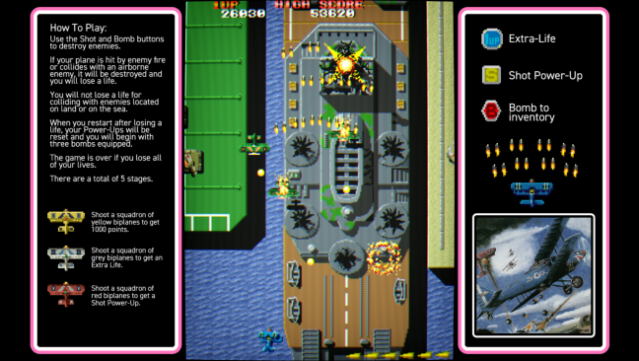
About Flying Shark
This revitalized take on a classic vertical shooter delivers a fresh and exhilarating experience packed with strategic depth. Set in a vibrant world of aerial combat, players pilot their fighter planes through increasingly challenging levels filled with enemies and power-ups. The standout feature, OFF-SCREEN ACTION, allows gamers to extend their view beyond the typical screen boundaries, revealing hidden dangers and opportunities for domination.
Players can gather upgrades, utilize limited bomb supplies thoughtfully, and compete against friends on online leaderboards. With quality-of-life enhancements like minimal input lag, quick save options, and a customizable practice mode, this edition makes it more accessible and engaging than ever. It’s a nostalgic trip that also caters to newcomers.
If you love classic arcade shooters or are looking for a game that combines strategy with fast-paced action, this is definitely one to check out.
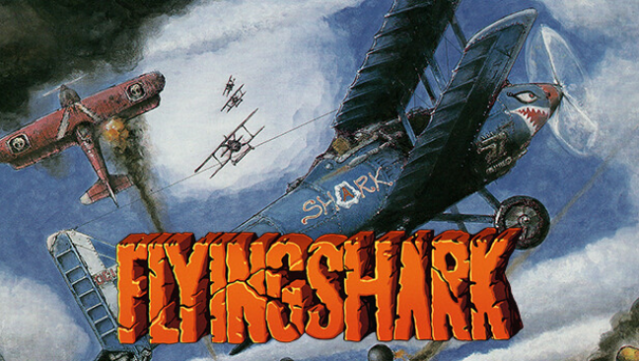
Instructions
- Click the Download button below and you will be redirected to UploadHaven.
- Wait 5 seconds and click on the blue ‘download now’ button. We recommend using a download manager for faster download speeds. (You can use FDM which is free here, or any other download manager).
- Once the game is finished downloading, right click the .zip file and click on “Extract to Flying Shark.zip” (To do this you will need 7-Zip, which you can get here, or you can use the built in windows extractor).
- Double click inside the Flying Shark folder and run the setup application. Accept the EULA, and install the game. Then, launch the game through the desktop shortcut.
Flying Shark Free Download
Reminder: This download is completely free and won't cost you a penny. However, If you love the game and want to purchase it, you can support the developers by doing so here.
System Requirements
- Requires a 64-bit processor and operating system
- Memory: 256 MB RAM
- Storage: 10 MB available space
Screenshots