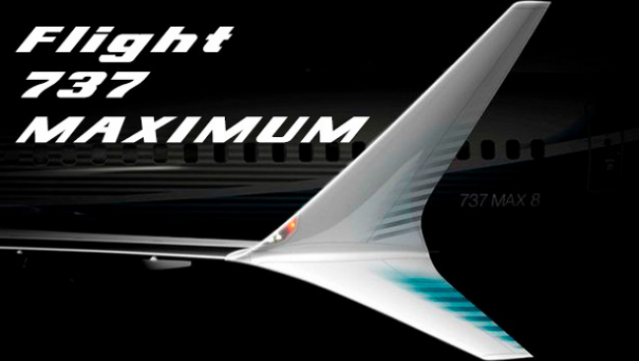
About Flight 737 - MAXIMUM
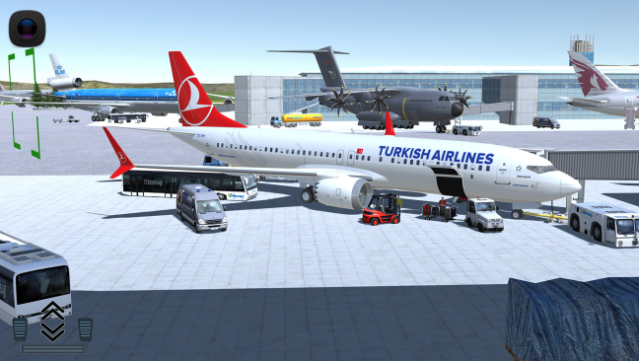
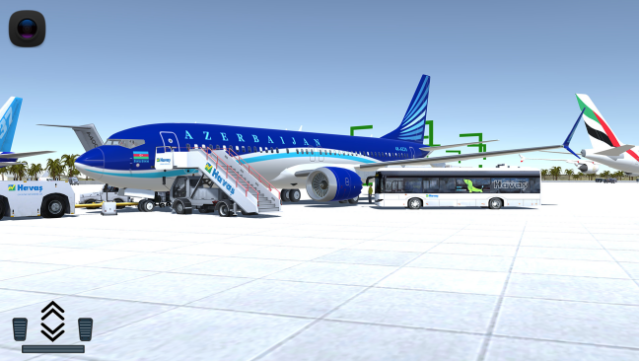
Immerse yourself in the most authentic simulation experience of a Boeing 737, designed specifically for desktop systems. This flight simulator offers players a chance to explore 50 countries and land at 50 unique airports, providing a vast playground for aviation enthusiasts. The gameplay revolves around managing intricate flight systems, utilizing an autopilot feature with comprehensive controls, and adhering to detailed checklists tailored for each flight. You’ll also benefit from a co-pilot system that delivers essential alerts and interventions, enhancing the realism and challenge of your flying experience. Whether you’re a seasoned pilot or just curious about aviation, this game is perfect for fans of flight simulators and those looking for an engaging airborne challenge.
Instructions
- Click the Download button below and you will be redirected to UploadHaven.
- Wait 5 seconds and click on the blue ‘download now’ button. We recommend using a download manager for faster download speeds. (You can use FDM which is free here, or any other download manager).
- Once the game is finished downloading, right click the .zip file and click on “Extract to Flight 737 - MAXIMUM.zip” (To do this you will need 7-Zip, which you can get here, or you can use the built in windows extractor).
- Double click inside the Flight 737 - MAXIMUM folder and run the setup application. Accept the EULA, and install the game. Then, launch the game through the desktop shortcut.
Flight 737 – MAXIMUM Free Download
Flight 737 - MAXIMUM
Size: 402.10 MB
Reminder: This download is completely free and won't cost you a penny. However, If you love the game and want to purchase it, you can support the developers by doing so here.
System Requirements
- Requires a 64-bit processor and operating system
- OS: Windows 7 (x64)
- Processor: Intel i5 or AMD
- Memory: 4 GB RAM
- Graphics: 2 Gb
- DirectX: Version 9.0c
- Storage: 1 GB available space
- Sound Card: Standart
- Additional Notes: 16:9 Monitor Recomended
Screenshots