About Firewall
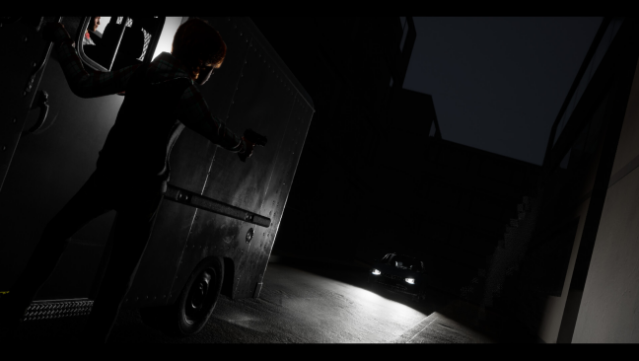
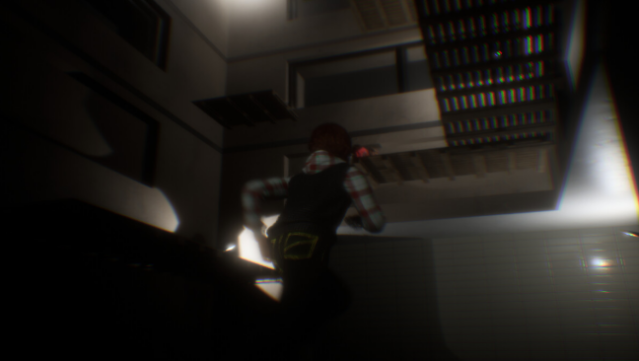
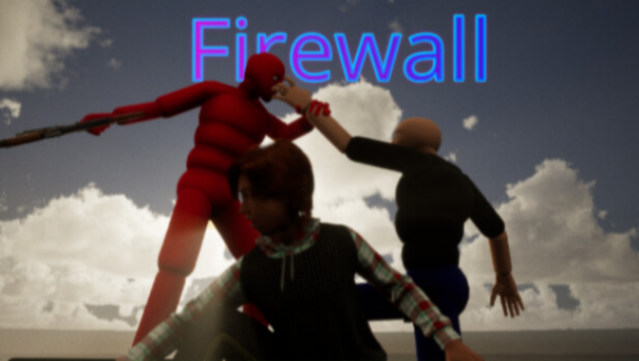
Dive into a thrilling cyberpunk world where you play as a group of daring hackers on a mission to escape a heavily monitored city. This game blends a gripping narrative with dynamic gameplay, featuring both third-person shooting action and stealth-puzzle mechanics. You toggle between two distinct modes: the “In Real Life” segment where stealth and strategy are key to avoiding enemy forces, and the “Computer” section where you unleash firepower and utilize various weapons, from pistols to RPGs.
What sets this game apart is its dual gameplay experience, allowing players to engage in high-octane combat while also solving puzzles to navigate the dangers outside. With the option to switch between first and third-person perspectives, you can tailor your approach to fit your playstyle. Ideal for fans of intense action and immersive storylines, this title promises an engaging experience for those who love hacking and stealth mechanics.
Instructions
- Click the Download button below and you will be redirected to UploadHaven.
- Wait 5 seconds and click on the blue ‘download now’ button. We recommend using a download manager for faster download speeds. (You can use FDM which is free here, or any other download manager).
- Once the game is finished downloading, right click the .zip file and click on “Extract to Firewall.zip” (To do this you will need 7-Zip, which you can get here, or you can use the built in windows extractor).
- Double click inside the Firewall folder and run the setup application. Accept the EULA, and install the game. Then, launch the game through the desktop shortcut.
Firewall Free Download
Reminder: This download is completely free and won't cost you a penny. However, If you love the game and want to purchase it, you can support the developers by doing so here.
System Requirements
- Requires a 64-bit processor and operating system
- OS: Windows 10
Screenshots