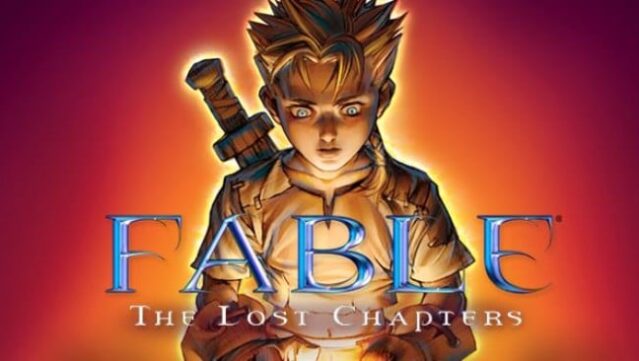
About Fable – The Lost Chapters
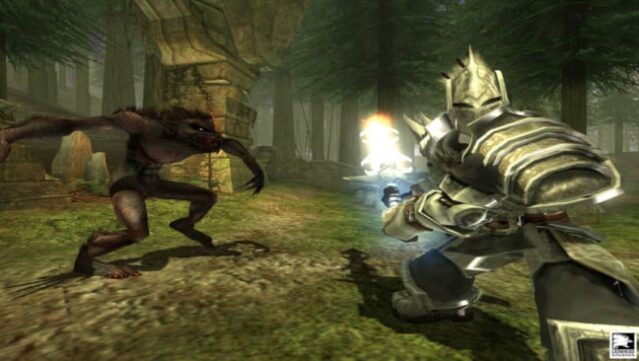
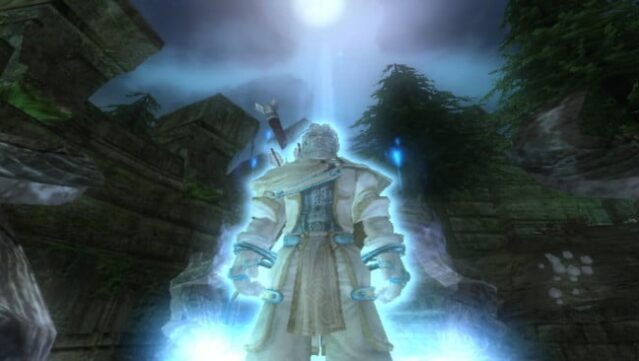
Dive into a vibrant world where every choice shapes your destiny in this innovative roleplaying-adventure game. Set in a fantastical realm, players embark on an epic journey from childhood to old age, transforming from a novice to a formidable force. The gameplay focuses on making decisions that affect not just your character's skills and appearance, but also their moral standing in the world. Standout features include a dynamic reputation system that reacts to your choices, a unique aging mechanic that reflects your life experiences, and the ability to physically change your character based on their actions—like growing muscles or gaining scars. Perfect for fans of immersive storytelling and deep character development, this game invites you to explore who you truly want to become.
Instructions
- Click the Download button below and you will be redirected to UploadHaven.
- Wait 5 seconds and click on the blue ‘download now’ button. We recommend using a download manager for faster download speeds. (You can use FDM which is free here, or any other download manager).
- Once the game is finished downloading, right click the .zip file and click on “Extract to Fable – The Lost Chapters.zip” (To do this you will need 7-Zip, which you can get here, or you can use the built in windows extractor).
- Double click inside the Fable – The Lost Chapters folder and run the setup application. Accept the EULA, and install the game. Then, launch the game through the desktop shortcut.
Fable – The Lost Chapters Free Download
Fable – The Lost Chapters
Size: 2.13 GB
Reminder: This download is completely free and won't cost you a penny. However, If you love the game and want to purchase it, you can support the developers by doing so here.
System Requirements
- OS: Windows XP or later
- Processor: 1.4 GHz equivalent or greater
- Memory: 256MB
- Hard Disk Space: 3GB of available hard disk space
- Video Card: 64 MB shader-capable video card
- Sound: Sound card and either a set of speakers or a set of headphones are required for audio
Screenshots