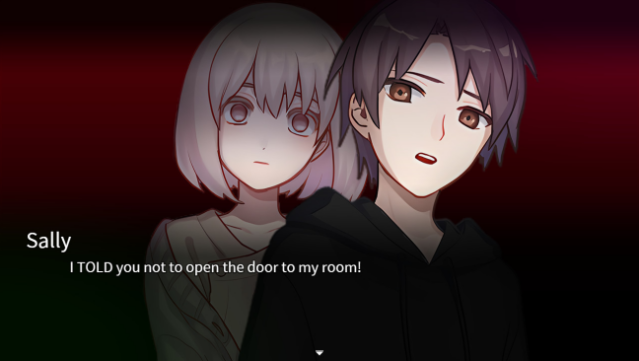
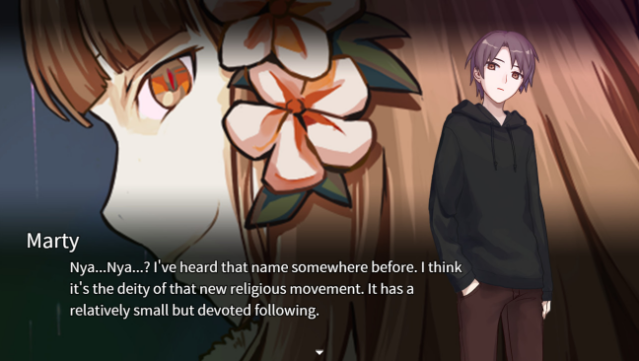
About Extra Case: My Girlfriend's Secrets
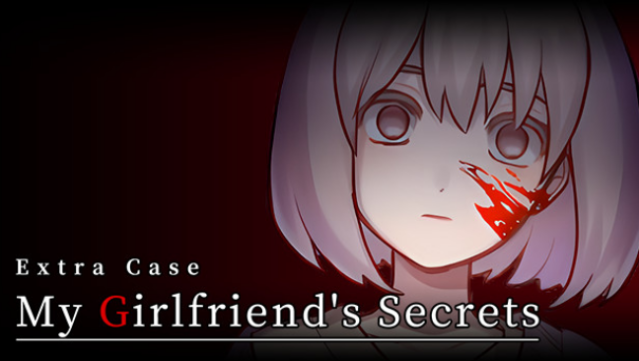
Dive into a chilling mix of horror and romance where every choice counts and the past can be rewritten. This dating sim takes place in a seemingly ordinary setting that quickly spirals into a tense narrative filled with dark secrets. Players navigate a time loop mechanic that allows them to explore various outcomes, starting with limited choices but expanding as they uncover clues and interact with their environment. With ten possible endings, each revealing different aspects of your girlfriend's hidden life, the game challenges you to piece together her mysteries while avoiding danger. It's a compelling blend of suspense and strategic decision-making, making it ideal for fans of narrative-driven experiences and horror elements. If you enjoy games that keep you guessing and require keen observation, this one is definitely worth checking out.
Instructions
- Click the Download button below and you will be redirected to UploadHaven.
- Wait 5 seconds and click on the blue ‘download now’ button. We recommend using a download manager for faster download speeds. (You can use FDM which is free here, or any other download manager).
- Once the game is finished downloading, right click the .zip file and click on “Extract to Extra Case: My Girlfriend's Secrets v1.0.zip” (To do this you will need 7-Zip, which you can get here, or you can use the built in windows extractor).
- Double click inside the Extra Case: My Girlfriend's Secrets v1.0 folder and run the setup application. Accept the EULA, and install the game. Then, launch the game through the desktop shortcut.
Extra Case: My Girlfriend’s Secrets Free Download (v1.0)
Extra Case: My Girlfriend's Secrets (v1.0)
Size: 289.45 MB
Reminder: This download is completely free and won't cost you a penny. However, If you love the game and want to purchase it, you can support the developers by doing so here.
System Requirements
- Requires a 64-bit processor and operating system
- OS: Windows® 8.1/10 (64bit)
- Storage: 512 MB available space
- Additional Notes: 1280×720 or better Display
Screenshots