About Everafter Falls
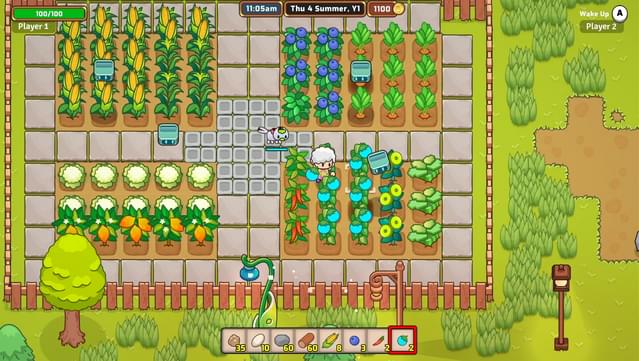
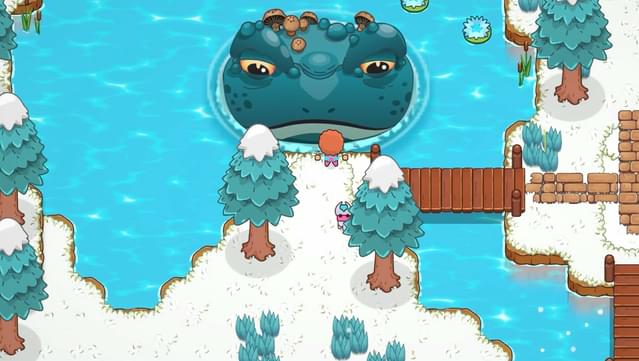
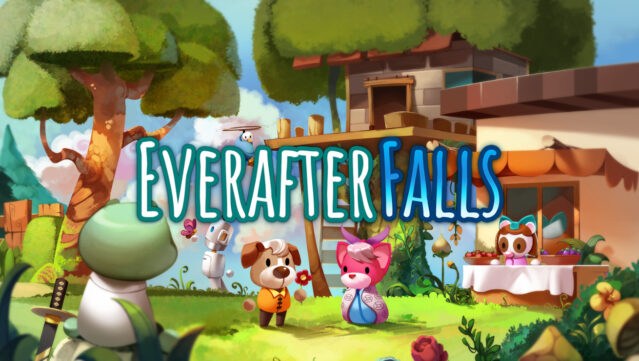
Immerse yourself in the charming and mysterious world of Everafter Falls, where the line between reality and simulation blurs. This lifestyle farming sim invites you to reclaim your forgotten past while managing a delightful farm, bonding with quirky animal neighbors, and navigating through vibrant dungeons.
You’ll engage in essential activities like farming, fishing, and foraging to create the ultimate cozy homestead. With helpful drones at your side, you can automate tedious tasks, allowing you to focus on exploring and battling enemies. Plus, the game features split-screen co-op, letting you team up with a friend to tackle challenges together.
Perfect for fans of farming simulators or anyone who loves a good slice of life mixed with lighthearted adventure, Everafter Falls offers a soothing experience with plenty of surprises and storytelling. If you enjoyed games like Stardew Valley, this one is definitely worth checking out.
Instructions
- Click the Download button below and you will be redirected to UploadHaven.
- Wait 5 seconds and click on the blue ‘download now’ button. We recommend using a download manager for faster download speeds. (You can use FDM which is free here, or any other download manager).
- Once the game is finished downloading, right click the .zip file and click on “Extract to Everafter Falls v2.1.4.zip” (To do this you will need 7-Zip, which you can get here, or you can use the built in windows extractor).
- Double click inside the Everafter Falls v2.1.4 folder and run the setup application. Accept the EULA, and install the game. Then, launch the game through the desktop shortcut.
Everafter Falls Free Download (v2.1.4)
Everafter Falls (v2.1.4)
Size: 324.85 MB
Reminder: This download is completely free and won't cost you a penny. However, If you love the game and want to purchase it, you can support the developers by doing so here.
System Requirements
- Windows 10
- OK Processor
- 4 GB RAM
- DX10+ Graphics Card
- Version 10
- 1 GB available space
- Working sound card
Screenshots