About Empire Earth 2 Gold Edition
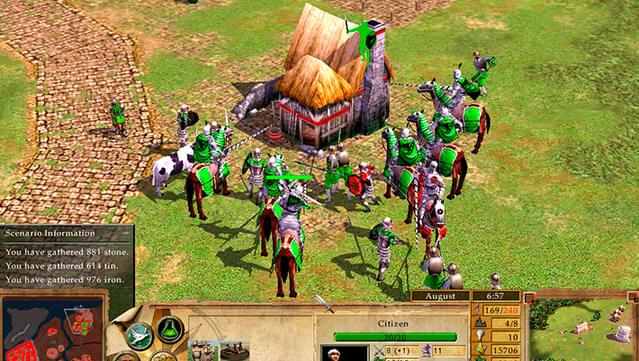
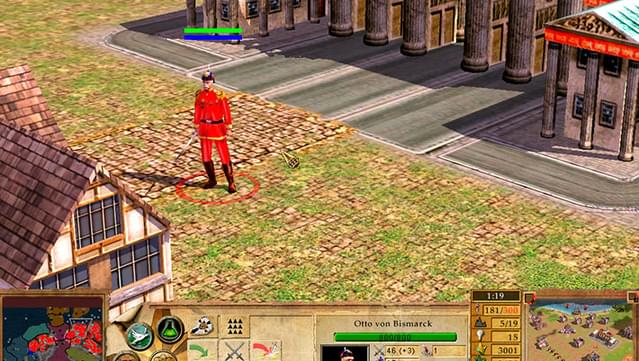
Dive into the expansive narrative of human history with this engaging real-time strategy game that spans from ancient civilizations to futuristic battles. Set in a variety of historical contexts, you command nations like Korea, Germany, and America, as well as Egypt, Russia, and the Masai in the expansion. You can choose your strategy; dominate through military might or navigate the complexities of diplomacy, all while experiencing key moments such as wars for independence and various global conflicts. The game also tantalizes players with a sprinkle of sci-fi elements, envisioning what the future might hold. With its immersive gameplay and historical depth, it's a must-play for fans of strategy games and history alike. If you enjoy epic RTS experiences, this one is sure to captivate you.

Instructions
- Click the Download button below and you will be redirected to UploadHaven.
- Wait 5 seconds and click on the blue ‘download now’ button. We recommend using a download manager for faster download speeds. (You can use FDM which is free here, or any other download manager).
- Once the game is finished downloading, right click the .zip file and click on “Extract to Empire Earth 2 Gold Edition.zip” (To do this you will need 7-Zip, which you can get here, or you can use the built in windows extractor).
- Double click inside the Empire Earth 2 Gold Edition folder and run the setup application. Accept the EULA, and install the game. Then, launch the game through the desktop shortcut.
Empire Earth 2 Gold Edition Free Download
Empire Earth 2 Gold Edition
Size: 1.38 GB
Reminder: This download is completely free and won't cost you a penny. However, If you love the game and want to purchase it, you can support the developers by doing so here.
System Requirements
- Windows XP / Vista / 7
- 2.2 GHz Intel Pentium 4 or AMD Athlon or faster
- 512 MB RAM
- NVIDIA GeForce 4 or DirectX 9.0c-compliant 128 MB 3D video card with hardware T&L and pixel shader support
- DirectX 9.0c-compatible sound card
- minimum screen resolution of 800×600
Screenshots