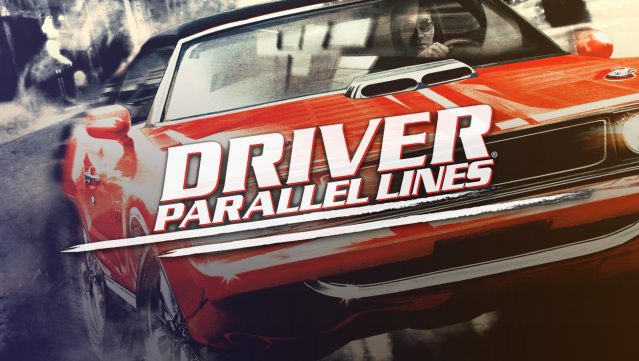
About Driver®: Parallel Lines
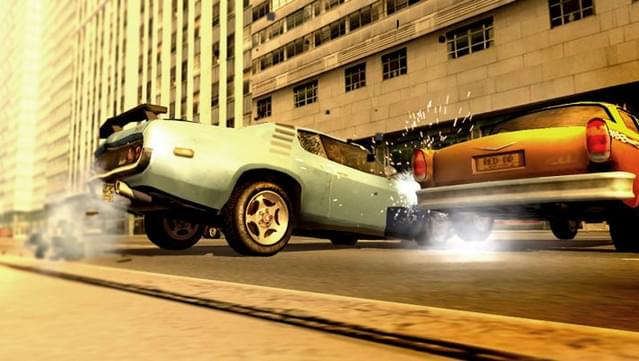
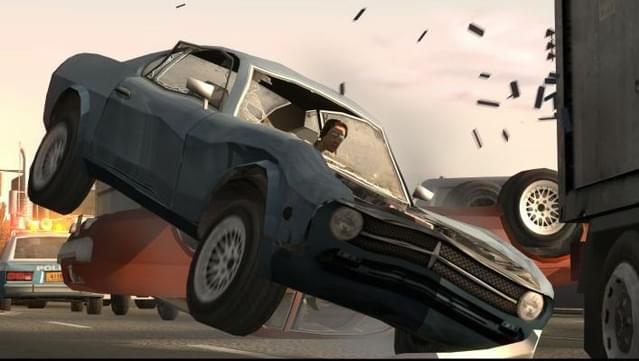
Step into the shoes of a legendary wheelman seeking vengeance in a richly detailed New York City. This action-packed driving game blends high-speed chases with a gripping narrative as you navigate the underbelly of the city after spending 28 years wrongfully imprisoned. Players enjoy a seamless experience with open missions free of loading times, allowing for immersive gameplay filled with realistic physics and destructible environments.
A standout feature is the extensive vehicle customization, where you can modify everything from bodywork to engine specs and even add unique accessories. With a diverse lineup of over 80 cars and motorcycles, including both classic and modern models, you can tailor your ride to suit your style. Combine your driving prowess with a variety of weapons to shoot, smash, and steal your way to revenge. Perfect for fans of high-octane driving and intense action narratives, this game delivers an unforgettable thrill ride.
Instructions
- Click the Download button below and you will be redirected to UploadHaven.
- Wait 5 seconds and click on the blue ‘download now’ button. We recommend using a download manager for faster download speeds. (You can use FDM which is free here, or any other download manager).
- Once the game is finished downloading, right click the .zip file and click on “Extract to Driver®: Parallel Lines v1.0.zip” (To do this you will need 7-Zip, which you can get here, or you can use the built in windows extractor).
- Double click inside the Driver®: Parallel Lines v1.0 folder and run the setup application. Accept the EULA, and install the game. Then, launch the game through the desktop shortcut.
Driver®: Parallel Lines Free Download (v1.0)
Driver®: Parallel Lines (v1.0)
Size: 3.94 GB
Reminder: This download is completely free and won't cost you a penny. However, If you love the game and want to purchase it, you can support the developers by doing so here.
System Requirements
- Windows XP or Vista
- 2 GHz
- 256 MB RAM
- 3D graphics card compatible with DirectX 9
Screenshots