About Dragon Lapis
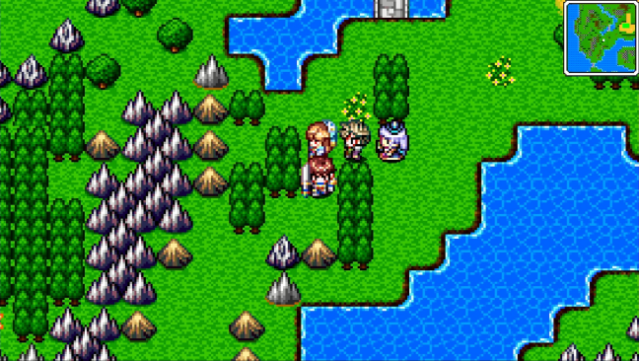
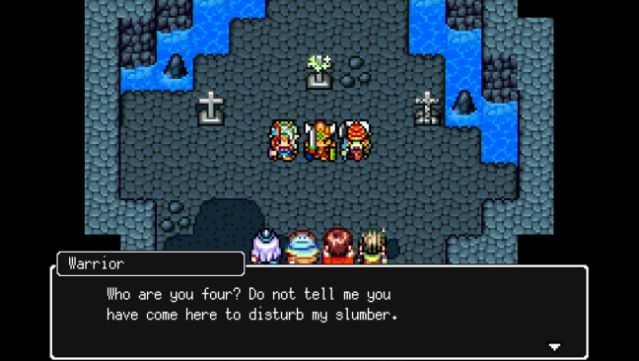
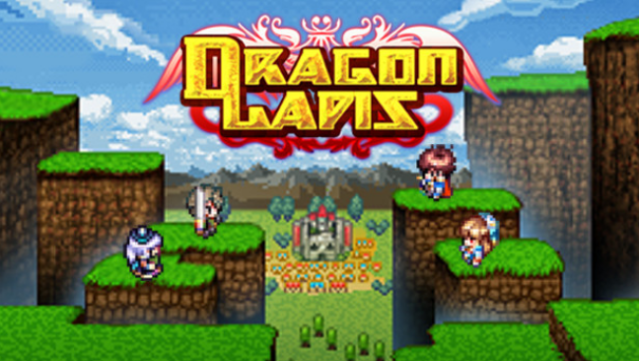
This RPG brings players back to the nostalgic charm of classic 8-bit adventures with its engaging story and retro aesthetics. Set in a world where a thousand-year-old battle between two dragons resurfaces, you step into the shoes of Lucas, a royal knight who discovers his heroic lineage just as chaos erupts in his village. The game features a rich gameplay loop centered around unlocking growth plates, allowing you to enhance your characters, learn new skills, and switch between various jobs to expand your combat options.
With challenging dungeons filled with clever puzzles and tough enemies, plus a host of side quests, there's plenty to keep you busy. The vibrant chiptune soundtrack by Ryuji Sasai adds to the overall experience. Perfect for fans of retro RPGs and those who enjoy deep character progression, this game is a delightful throwback for anyone who loves a good adventure.
Instructions
- Click the Download button below and you will be redirected to UploadHaven.
- Wait 5 seconds and click on the blue ‘download now’ button. We recommend using a download manager for faster download speeds. (You can use FDM which is free here, or any other download manager).
- Once the game is finished downloading, right click the .zip file and click on “Extract to Dragon Lapis.zip” (To do this you will need 7-Zip, which you can get here, or you can use the built in windows extractor).
- Double click inside the Dragon Lapis folder and run the setup application. Accept the EULA, and install the game. Then, launch the game through the desktop shortcut.
Dragon Lapis Free Download
Reminder: This download is completely free and won't cost you a penny. However, If you love the game and want to purchase it, you can support the developers by doing so here.
System Requirements
- OS: Windows 10
- Processor: Intel® Core™ i3
- Memory: 4 GB RAM
- Graphics: 2GB VRAM
- Storage: 600 MB available space
- Additional Notes: This app features keyboard controls and partial controller support with the Xbox One controller. Mouse/touch screen are not supported.
Screenshots