About Dino V. Xeno
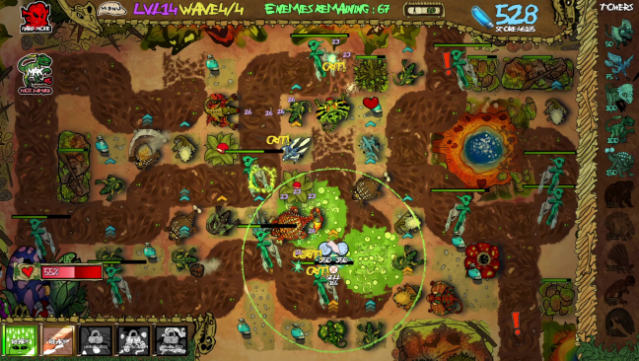
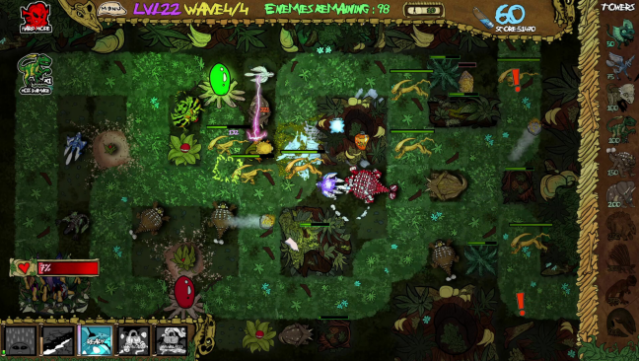
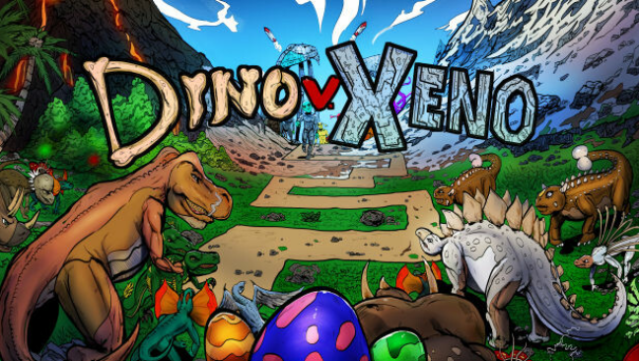
Imagine leading a team of prehistoric beasts into battle against waves of alien foes—this unique twist on tower defense sets itself apart with a vibrant dinosaur army. In this casual yet engaging game, players defend against extraterrestrial invaders while strategically placing upgradable dinosaurs and special towers across 51 diverse levels. The gameplay is enriched by a mix of strategic planning and random power-ups that keep each session fresh and unpredictable.
With two difficulty modes catering to both newcomers and seasoned players, plus an Endless Mode for those seeking infinite challenges, the game offers a satisfying experience that can take up to eighteen hours to complete. Crafted by a passionate solo developer, this title is perfect for fans of tower defense games who appreciate a fun, quirky theme.
Instructions
- Click the Download button below and you will be redirected to UploadHaven.
- Wait 5 seconds and click on the blue ‘download now’ button. We recommend using a download manager for faster download speeds. (You can use FDM which is free here, or any other download manager).
- Once the game is finished downloading, right click the .zip file and click on “Extract to Dino V. Xeno.zip” (To do this you will need 7-Zip, which you can get here, or you can use the built in windows extractor).
- Double click inside the Dino V. Xeno folder and run the setup application. Accept the EULA, and install the game. Then, launch the game through the desktop shortcut.
Dino V. Xeno Free Download
Reminder: This download is completely free and won't cost you a penny. However, If you love the game and want to purchase it, you can support the developers by doing so here.
System Requirements
- OS: Windows 10 or newer (64 bit)
- Processor: SSE3 capable Intel Pentium 4 processor or later, 4GB RAM
- Memory: 4 GB RAM
- Graphics: OpenGL 2.0 compatible. ATI, Nvidia or Intel HD
- Storage: 2550 MB available space
- Sound Card: Sound card compatible with Windows
- Additional Notes: Runs in Chromium, please have Chrome installed for best performance and loading times
Screenshots