About Desktop Sex Doll
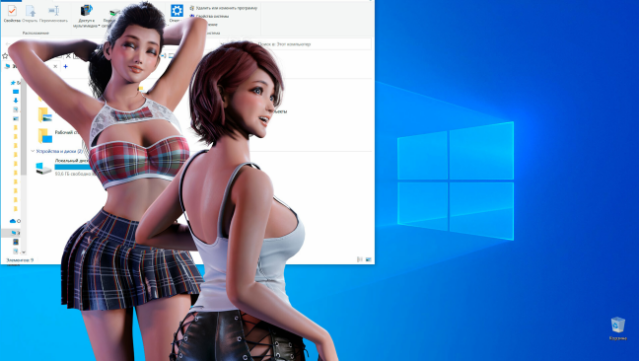
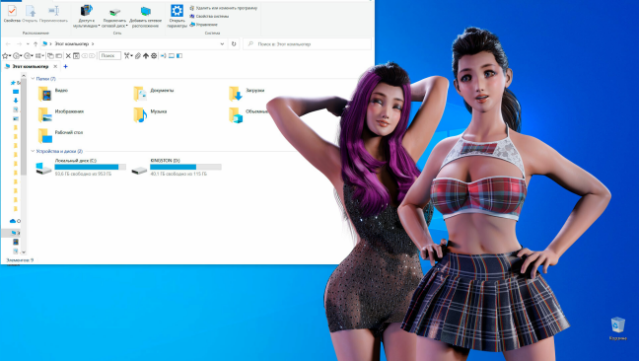
Imagine having a captivating virtual companion dancing on your desktop while you multitask on your computer. This game lets you customize an attractive girl to fit your preferences, from outfits to dance styles. As you play, you'll unlock new features and behaviors for your doll through engaging minigames, making every interaction unique. You can even set the mood with your favorite tunes, allowing you to dance along with her. With its focus on personalization and interactive elements, this game caters to those looking for a playful and flirty desktop experience. If you enjoy simulation games that blend customization with fun, this one’s definitely worth checking out.

Instructions
- Click the Download button below and you will be redirected to UploadHaven.
- Wait 5 seconds and click on the blue ‘download now’ button. We recommend using a download manager for faster download speeds. (You can use FDM which is free here, or any other download manager).
- Once the game is finished downloading, right click the .zip file and click on “Extract to Desktop Sex Doll.zip” (To do this you will need 7-Zip, which you can get here, or you can use the built in windows extractor).
- Double click inside the Desktop Sex Doll folder and run the setup application. Accept the EULA, and install the game. Then, launch the game through the desktop shortcut.
Desktop Sex Doll Free Download
Desktop Sex Doll
Size: 217.43 MB
Reminder: This download is completely free and won't cost you a penny. However, If you love the game and want to purchase it, you can support the developers by doing so here.
System Requirements
- OS: Windows 7 or above
- Processor: Intel or AMD
- Memory: 2 GB RAM
- Graphics: Direct X compatible
- Storage: 700 MB available space
Screenshots