About Desk Garden
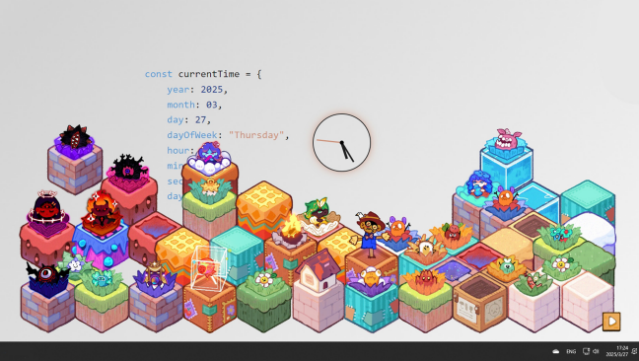
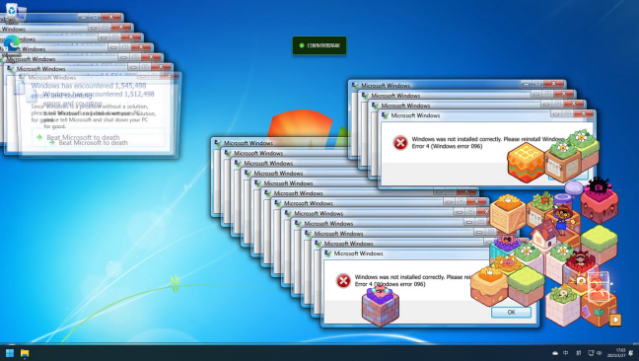
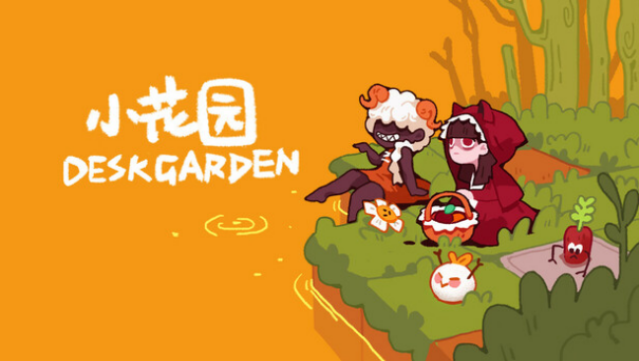
Imagine a tranquil garden that flourishes quietly while you tackle your daily tasks. In this unique idle game, you cultivate delightful plants directly on your desktop, allowing them to grow without disrupting your workflow. Set in a charming mini-world, you can arrange a variety of quirky plant characters, each exuding its own personality — from bashful sprouts to lively humanoid flowers. The joy of discovery is amplified with mystery boxes that introduce new, whimsical plants into your collection. Coupled with relaxing background music, this game transforms your workspace into a serene sanctuary. Perfect for fans of casual games looking for a gentle distraction or anyone wanting to add a bit of life to their desktop while they work.
Instructions
- Click the Download button below and you will be redirected to UploadHaven.
- Wait 5 seconds and click on the blue ‘download now’ button. We recommend using a download manager for faster download speeds. (You can use FDM which is free here, or any other download manager).
- Once the game is finished downloading, right click the .zip file and click on “Extract to Desk Garden.zip” (To do this you will need 7-Zip, which you can get here, or you can use the built in windows extractor).
- Double click inside the Desk Garden folder and run the setup application. Accept the EULA, and install the game. Then, launch the game through the desktop shortcut.
Desk Garden Free Download
Reminder: This download is completely free and won't cost you a penny. However, If you love the game and want to purchase it, you can support the developers by doing so here.
System Requirements
- OS *: Windows 7 (SP1+)
- Processor: Intel® Core™ i3 @ 3.2 GHz
- Memory: 4 GB RAM
- Graphics: Graphics card with DX11
- DirectX: Version 11
- Storage: 250 MB available space
- Additional Notes: any normal pc can play
Screenshots