About Delta Force Xtreme
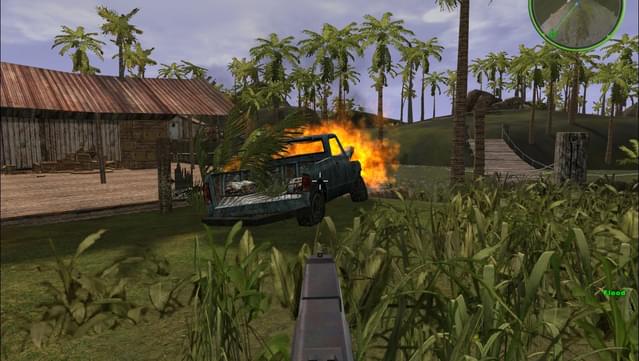
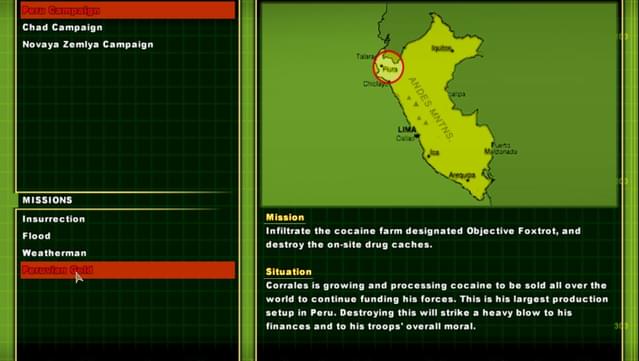
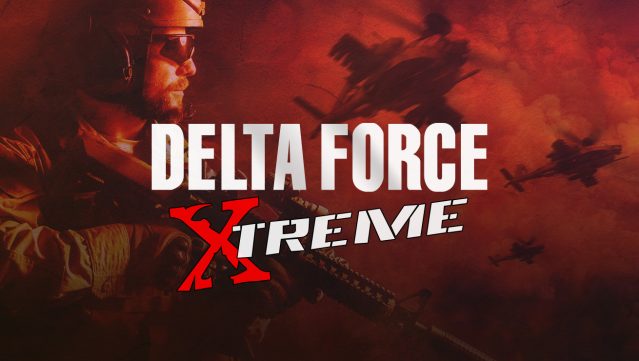
This game revives the classic tactical shooter experience with a modern twist, delivering intense gameplay that keeps you on your toes. As part of the elite Delta Force unit, you navigate through more than 60 exhilarating levels filled with both solo and multiplayer action. The game enhances the original missions while introducing new maps and features, ensuring a fresh experience for veterans and newcomers alike. With enhanced graphics and a detailed stats tracking system, every match provides an opportunity to improve your skills. If you enjoyed classic FPS titles or are looking for a nostalgic yet updated shooter experience, this game is definitely worth checking out.
Instructions
- Click the Download button below and you will be redirected to UploadHaven.
- Wait 5 seconds and click on the blue ‘download now’ button. We recommend using a download manager for faster download speeds. (You can use FDM which is free here, or any other download manager).
- Once the game is finished downloading, right click the .zip file and click on “Extract to Delta Force Xtreme v1.6.9.3.zip” (To do this you will need 7-Zip, which you can get here, or you can use the built in windows extractor).
- Double click inside the Delta Force Xtreme v1.6.9.3 folder and run the setup application. Accept the EULA, and install the game. Then, launch the game through the desktop shortcut.
Delta Force Xtreme Free Download (v1.6.9.3)
Delta Force Xtreme (v1.6.9.3)
Size: 624.02 MB
Reminder: This download is completely free and won't cost you a penny. However, If you love the game and want to purchase it, you can support the developers by doing so here.
System Requirements
- Windows XP / Vista / 7 / 8 / 10
- Pentium II 450MHz or better
- 128 MB RAM
- Direct3D w/ 16MB or better
- version 6.0 or higher (included)
- 500MB Free
- DirectX compliant
Screenshots