About Cydoku
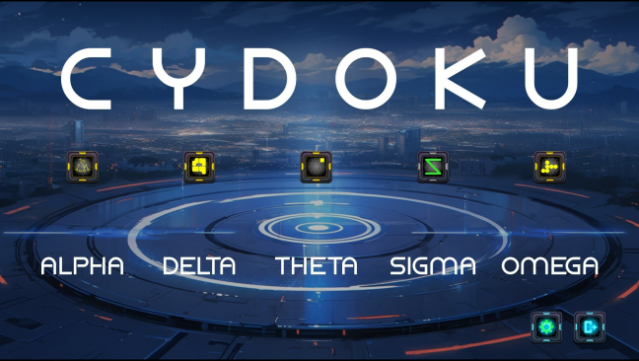
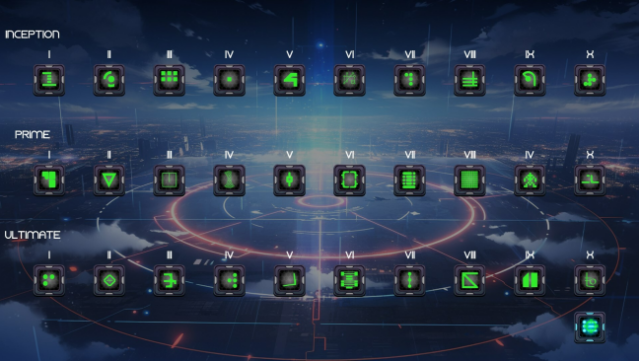
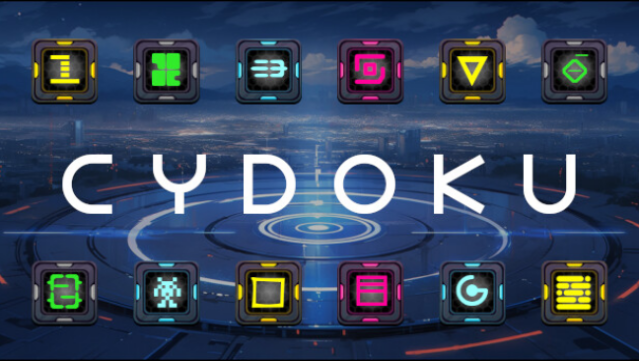
Dive into a futuristic world where Sudoku meets cyber aesthetics, offering players a fresh twist on a classic puzzle. This game is a graphical take on Sudoku, featuring a staggering 2 million unique play-field layouts that ensure a new challenge every time you play. It goes beyond traditional number puzzles by introducing 30 sets of graphical icons across five difficulty tiers, which adds a visual flair to the logical gameplay. As you progress, you’ll hone your logical reasoning and memory skills, making each session both engaging and intellectually stimulating. This is a must-try for puzzle lovers looking for something innovative and challenging in the Sudoku genre. Perfect for fans of Sudoku and those who enjoy brain-teasing puzzles with a modern spin.
Instructions
- Click the Download button below and you will be redirected to UploadHaven.
- Wait 5 seconds and click on the blue ‘download now’ button. We recommend using a download manager for faster download speeds. (You can use FDM which is free here, or any other download manager).
- Once the game is finished downloading, right click the .zip file and click on “Extract to Cydoku.zip” (To do this you will need 7-Zip, which you can get here, or you can use the built in windows extractor).
- Double click inside the Cydoku folder and run the setup application. Accept the EULA, and install the game. Then, launch the game through the desktop shortcut.
Cydoku Free Download
Reminder: This download is completely free and won't cost you a penny. However, If you love the game and want to purchase it, you can support the developers by doing so here.
System Requirements
- OS *: Windows 7 or newer
- Processor: Intel Core i3 2.00 GHz
- Memory: 2 GB RAM
- Graphics: Intel® HD Graphics 3000
- DirectX: Version 10
- Storage: 2 GB available space
Screenshots