About Cubicatch
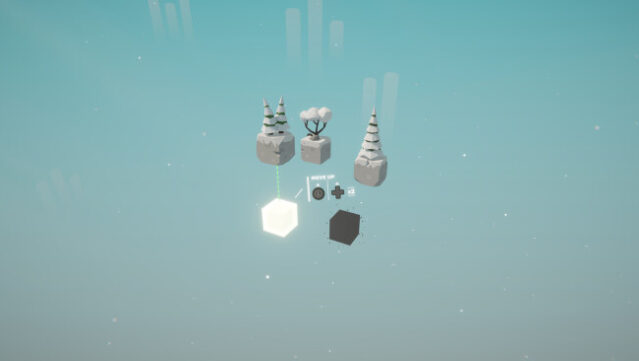
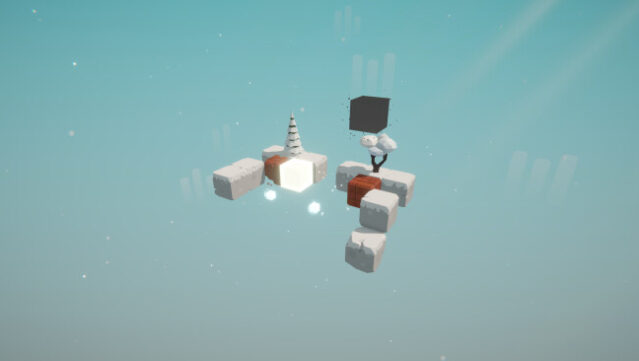
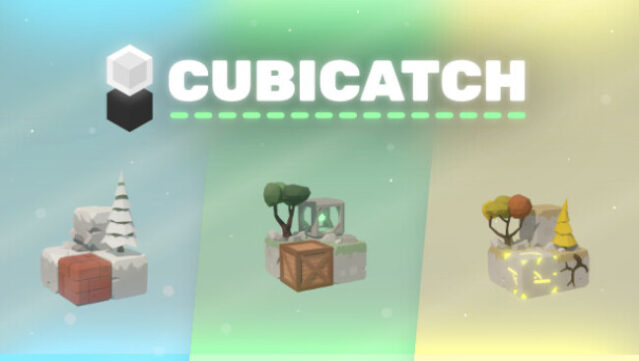
Dive into a world of strategic puzzle-solving where you control a cube navigating through intricately designed levels. In this game, you hop from block to block, requiring careful thought and planning with every move. The simplicity of the concept quickly evolves as new mechanics are introduced, ramping up the challenge and testing your problem-solving skills. One standout feature is the ability to shift perspectives between 2D and 3D, allowing for unique moves that would otherwise be impossible. As you progress through various worlds filled with challenging puzzles, the dynamic gameplay keeps you engaged and eager to tackle each new obstacle. This game is perfect for anyone who loves to think critically and enjoys a good challenge in their puzzle games.
Instructions
- Click the Download button below and you will be redirected to UploadHaven.
- Wait 5 seconds and click on the blue ‘download now’ button. We recommend using a download manager for faster download speeds. (You can use FDM which is free here, or any other download manager).
- Once the game is finished downloading, right click the .zip file and click on “Extract to Cubicatch.zip” (To do this you will need 7-Zip, which you can get here, or you can use the built in windows extractor).
- Double click inside the Cubicatch folder and run the setup application. Accept the EULA, and install the game. Then, launch the game through the desktop shortcut.
Cubicatch Free Download
Reminder: This download is completely free and won't cost you a penny. However, If you love the game and want to purchase it, you can support the developers by doing so here.
System Requirements
- OS: Windows 10
- Processor: Intel CPU Core i3
- Memory: 4 GB RAM
- Graphics: Nvidia GTX 460 or better
- DirectX: Version 11
- Storage: 500 MB available space
Screenshots