About Crowbar Climber
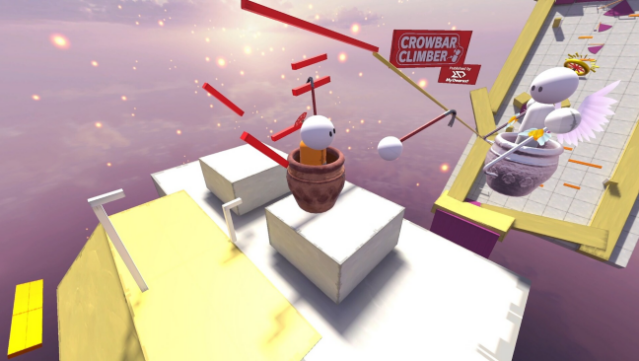
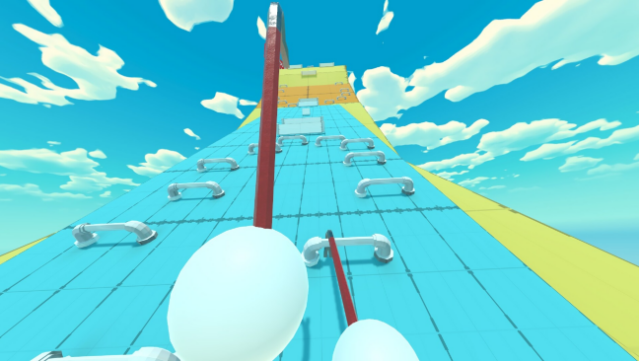
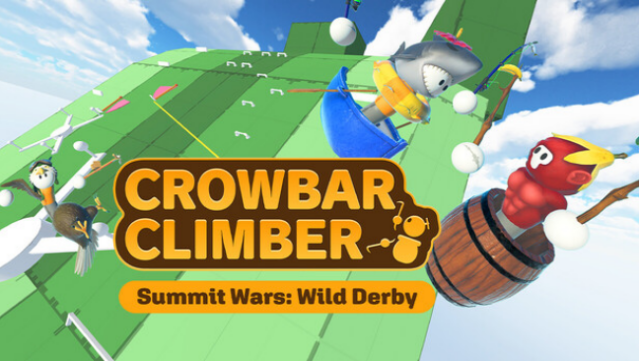
This game offers a fresh take on climbing mechanics with its unique use of crowbars as your primary tool for ascent. It combines the thrill of competitive racing with physics-based challenges, placing players in a vibrant VR environment where they scale various obstacles like hooks and gears. In addition to the single-player experience, you can challenge a friend in the new Climb Race Mode, choosing between steady or risky strategies to reach the top first. The core gameplay revolves around using your arms to maneuver and navigate complex structures, all while managing your energy levels. It's a fun and engaging experience for those who enjoy both physical challenges and clever puzzles. If you thrive on competitive multiplayer and creative gameplay, this one’s definitely for you.
Instructions
- Click the Download button below and you will be redirected to UploadHaven.
- Wait 5 seconds and click on the blue ‘download now’ button. We recommend using a download manager for faster download speeds. (You can use FDM which is free here, or any other download manager).
- Once the game is finished downloading, right click the .zip file and click on “Extract to Crowbar Climber.zip” (To do this you will need 7-Zip, which you can get here, or you can use the built in windows extractor).
- Double click inside the Crowbar Climber folder and run the setup application. Accept the EULA, and install the game. Then, launch the game through the desktop shortcut.
Crowbar Climber Free Download
Crowbar Climber
Size: 754.42 MB
Reminder: This download is completely free and won't cost you a penny. However, If you love the game and want to purchase it, you can support the developers by doing so here.
System Requirements
- Requires a 64-bit processor and operating system
- OS: Windows 10
- Processor: Intel Core i7-6700
- Memory: 8 GB RAM
- Graphics: NVIDIA GTX 1080/AMD Radeon RX 5700XT series or higher
- DirectX: Version 11
- Storage: 1 GB available space
- VR Support: OpenXR – Meta Quest Touch Controller, Valve Index Compatible
- Additional Notes: If you are using a controller other than Meta Quest Touch, go to SteamVR settings and turn on OpenXR -> Meta Plugin Compatibility.
Screenshots