About Creature Keeper
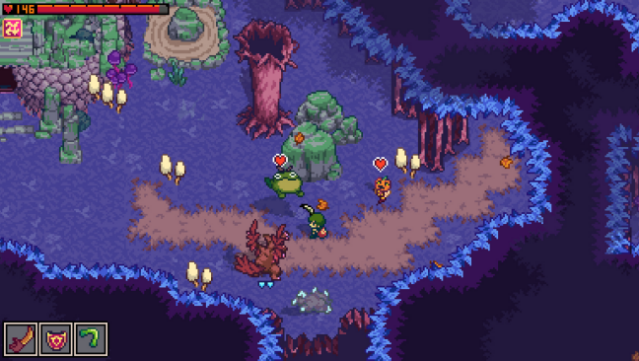
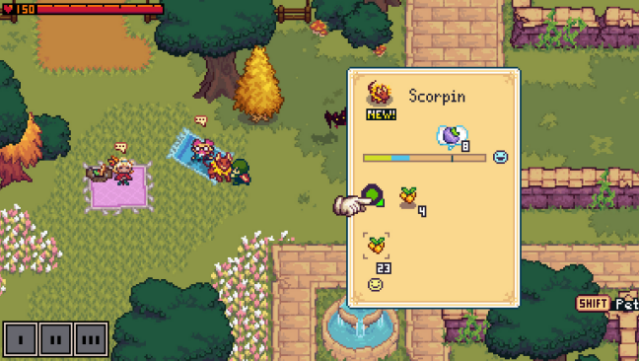
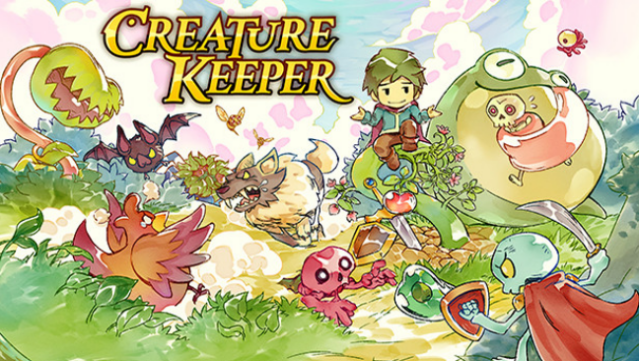
Dive into a vibrant world where you can build a team of unique creatures to aid you in real-time battles. This action RPG invites players to strategically befriend a diverse array of creatures, each offering special abilities that can be tailored to overcome various challenges. You can customize your gameplay experience with skill gems, perks, and an assortment of stylish hats to dress up your companions.
The game features a Pocket Garden, where you grow food to provide connection bonuses, adding an engaging layer to your strategy. As you explore the expansive realm of Thera, you’ll encounter fifty distinct creatures to catalog in your Bestiary, unlocking powerful buffs and items along the way.
This game is perfect for fans of creature collection and real-time combat who enjoy a mix of strategy and exploration.
Instructions
- Click the Download button below and you will be redirected to UploadHaven.
- Wait 5 seconds and click on the blue ‘download now’ button. We recommend using a download manager for faster download speeds. (You can use FDM which is free here, or any other download manager).
- Once the game is finished downloading, right click the .zip file and click on “Extract to Creature Keeper v1.5.3.zip” (To do this you will need 7-Zip, which you can get here, or you can use the built in windows extractor).
- Double click inside the Creature Keeper v1.5.3 folder and run the setup application. Accept the EULA, and install the game. Then, launch the game through the desktop shortcut.
Creature Keeper Free Download (v1.5.3)
Creature Keeper (v1.5.3)
Size: 247.28 MB
Reminder: This download is completely free and won't cost you a penny. However, If you love the game and want to purchase it, you can support the developers by doing so here.
System Requirements
- Requires a 64-bit processor and operating system
- OS *: Windows XP Service Pack 3 or newer
- Processor: 1 GHz Processor
- Memory: 512 MB RAM
- Graphics: A NVIDIA or AMD graphics card with latest drivers.
- Storage: 1 GB available space
Screenshots