About Computer Repair Shop
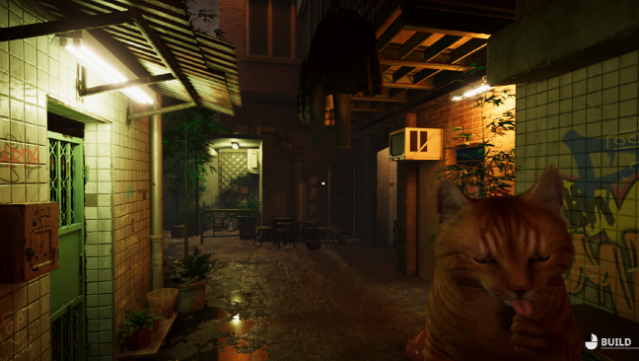
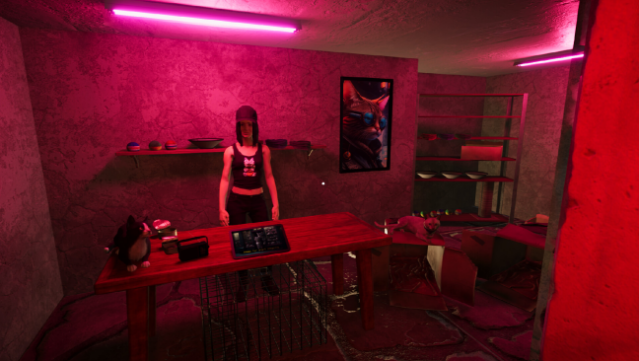
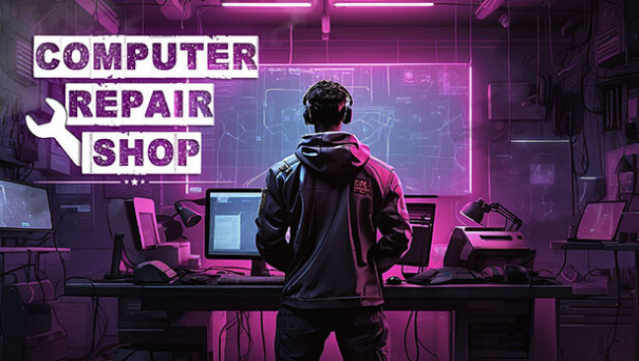
Dive into the chaotic world of computer repair where you can choose to be a straight-laced technician or a cunning hacker. This simulation game blends elements of strategy and management as you tackle an array of broken computers that come through your shop. Your core gameplay involves diagnosing issues, swapping out parts—whether high-end or downright shoddy—and then selling the refurbished machines while engaging in negotiation tactics with customers.
Standout features include the ability to create viruses to infect other computers, engage in robot combat, and even delve into hacking for sensitive information. The game offers a unique mix of ethical choices, allowing players to decide between honest repairs or underhanded tactics. Ideal for those who love simulations with a twist, this game keeps you on your toes with its blend of tech and deception.
Instructions
- Click the Download button below and you will be redirected to UploadHaven.
- Wait 5 seconds and click on the blue ‘download now’ button. We recommend using a download manager for faster download speeds. (You can use FDM which is free here, or any other download manager).
- Once the game is finished downloading, right click the .zip file and click on “Extract to Computer Repair Shop v1.01.zip” (To do this you will need 7-Zip, which you can get here, or you can use the built in windows extractor).
- Double click inside the Computer Repair Shop v1.01 folder and run the setup application. Accept the EULA, and install the game. Then, launch the game through the desktop shortcut.
Computer Repair Shop Free Download (v1.01)
Computer Repair Shop (v1.01)
Size: 3.71 GB
Reminder: This download is completely free and won't cost you a penny. However, If you love the game and want to purchase it, you can support the developers by doing so here.
System Requirements
- OS *: Windows 7
- Processor: 2 GHz Dual Core CPU
- Memory: 4 GB RAM
- Graphics: Intel HD Graphics 4000 or better
- Storage: 8 GB available space
Screenshots