About Citizens Unite!: Earth x Space
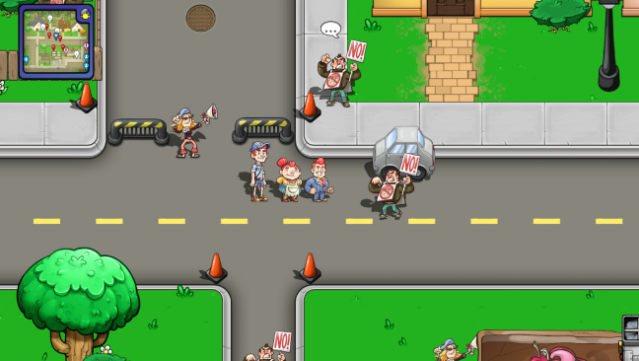
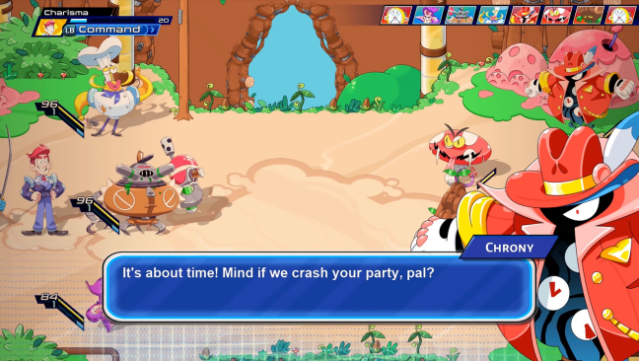
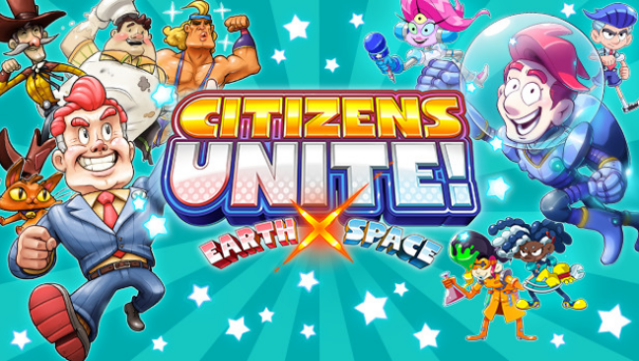
Dive into a quirky blend of comedy and adventure, where you navigate two distinct worlds in a battle against time. This game bundle features “Citizens of Earth,” where you step into the shoes of the rookie Vice President, teaming up with various citizens to solve peculiar mysteries on our planet. Meanwhile, “Citizens of Space” shifts the focus to the Earth’s new Ambassador, who traverses the galaxy to uncover the fate of our home. The gameplay revolves around recruiting 88 diverse citizens, each with unique skills, allowing for dynamic strategies in both timelines. Plus, the ability to time travel between the two adventures adds layers of complexity and unlocks new content. This game is perfect for those who enjoy a mix of humor and strategic gameplay, especially fans of quirky RPGs.
Instructions
- Click the Download button below and you will be redirected to UploadHaven.
- Wait 5 seconds and click on the blue ‘download now’ button. We recommend using a download manager for faster download speeds. (You can use FDM which is free here, or any other download manager).
- Once the game is finished downloading, right click the .zip file and click on “Extract to Citizens Unite!: Earth x Space.zip” (To do this you will need 7-Zip, which you can get here, or you can use the built in windows extractor).
- Double click inside the Citizens Unite!: Earth x Space folder and run the setup application. Accept the EULA, and install the game. Then, launch the game through the desktop shortcut.
Citizens Unite!: Earth x Space Free Download
Citizens Unite!: Earth x Space
Size: 3.72 GB
Reminder: This download is completely free and won't cost you a penny. However, If you love the game and want to purchase it, you can support the developers by doing so here.
System Requirements
- OS: Windows 10 and up
- Processor: Intel® Core™ i3
- Memory: 4 GB RAM
- Graphics: GeForce GTS 250 or AMD R7 250 or Higher(Does not support Integrated Graphics Cards) / 2GB VRAM
- Storage: 25 GB available space
- Additional Notes: This app features full keyboard controls and partial controller support with the Xbox One controller. Keyboard is required for Japanese inputs, and mouse can only be used to select choices. Touch screen is not supported. Open GL 4.3 or higher are required.
Screenshots