About Chosen Garden
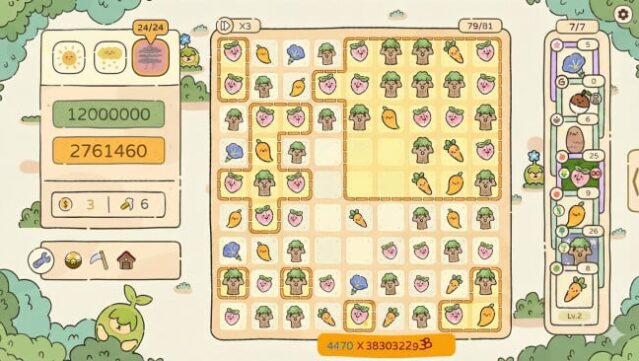
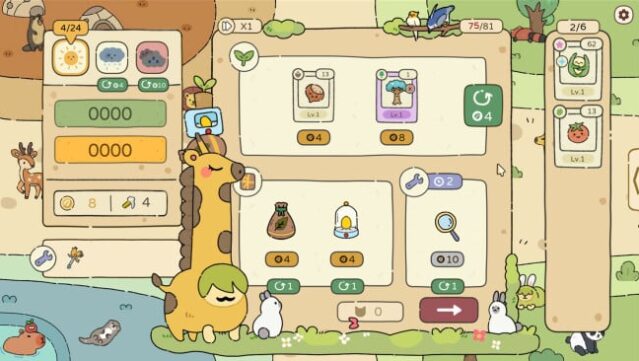
Dive into a charming roguelike deck-builder that reimagines gardening in a cozy and strategic way. Players start with a small 3×3 garden plot, gradually expanding it by planting and harvesting a diverse array of over 130 unique plants, each with their own special abilities. The gameplay revolves around creating powerful combos while navigating shifting weather conditions and varied garden layouts, making every run a fresh challenge. With more than 10 upgrade paths and fertilizers, players can enhance their plants and gain bonuses from 35+ helpful animals and tools. The game shines with its delightful hand-drawn visuals and soothing soundtrack, perfect for creating a relaxing gaming experience. If you enjoy strategic planning and whimsical gardening, this game is definitely for you.

Instructions
- Click the Download button below and you will be redirected to UploadHaven.
- Wait 5 seconds and click on the blue ‘download now’ button. We recommend using a download manager for faster download speeds. (You can use FDM which is free here, or any other download manager).
- Once the game is finished downloading, right click the .zip file and click on “Extract to Chosen Garden.zip” (To do this you will need 7-Zip, which you can get here, or you can use the built in windows extractor).
- Double click inside the Chosen Garden folder and run the setup application. Accept the EULA, and install the game. Then, launch the game through the desktop shortcut.
Chosen Garden Free Download
Reminder: This download is completely free and won't cost you a penny. However, If you love the game and want to purchase it, you can support the developers by doing so here.
System Requirements
- OS *: Windows 8, 10, 11 x64
- Processor: Intel Core i3
- Memory: 8 GB RAM
- Graphics: OpenGL 2.1 compatible graphics card,
- Storage: 500 MB available space
Screenshots