About Chippy & Noppo
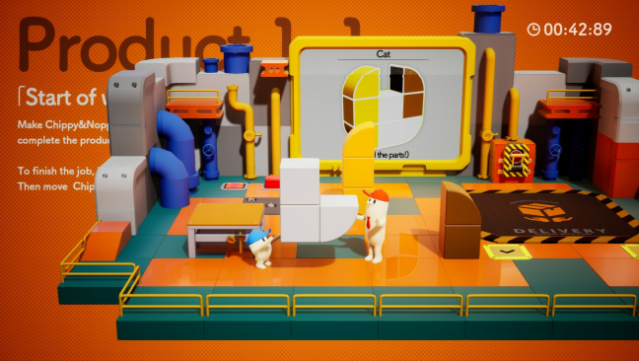
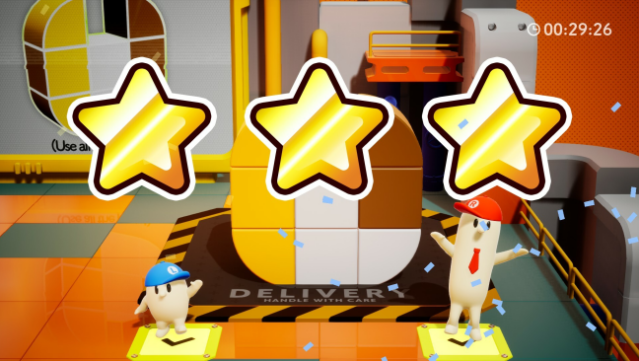
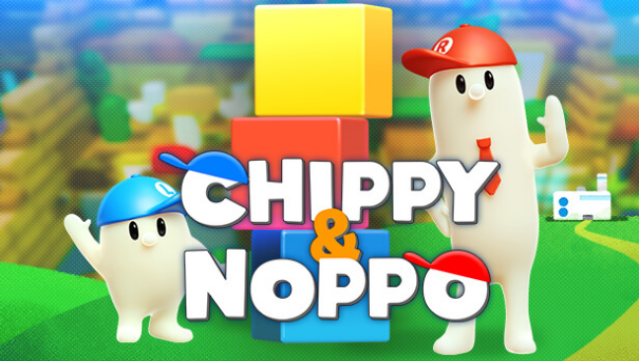
This action puzzle game offers a delightful twist on teamwork and creativity as players assemble quirky toys in a vibrant factory setting. You navigate through colorful environments, collecting various parts to match blueprints while using the unique abilities of the two main characters: the cheerful Chippy, who excels in low spaces, and the tall Noppo, who can jump to great heights. The gameplay emphasizes collaboration, whether you're playing solo by juggling both characters or teaming up in multiplayer for coordinated efforts. With a lighthearted atmosphere and opportunities for friendly banter, this game is perfect for those who enjoy casual co-op experiences and puzzle-solving challenges. If you appreciate games that blend strategy with fun interactions, give this one a try!
Instructions
- Click the Download button below and you will be redirected to UploadHaven.
- Wait 5 seconds and click on the blue ‘download now’ button. We recommend using a download manager for faster download speeds. (You can use FDM which is free here, or any other download manager).
- Once the game is finished downloading, right click the .zip file and click on “Extract to Chippy & Noppo v1.0.zip” (To do this you will need 7-Zip, which you can get here, or you can use the built in windows extractor).
- Double click inside the Chippy & Noppo v1.0 folder and run the setup application. Accept the EULA, and install the game. Then, launch the game through the desktop shortcut.
Chippy & Noppo Free Download (v1.0)
Chippy & Noppo (v1.0)
Size: 1.30 GB
Reminder: This download is completely free and won't cost you a penny. However, If you love the game and want to purchase it, you can support the developers by doing so here.
System Requirements
- Requires a 64-bit processor and operating system
- OS: Windows 10 / 11
- Processor: 2.0GHz 4Core
- Memory: 4 GB RAM
- Graphics: GeForce GTX 650 / equivalent Radeon
- DirectX: Version 11
- Storage: 2 GB available space
Screenshots