About Catlateral Damage
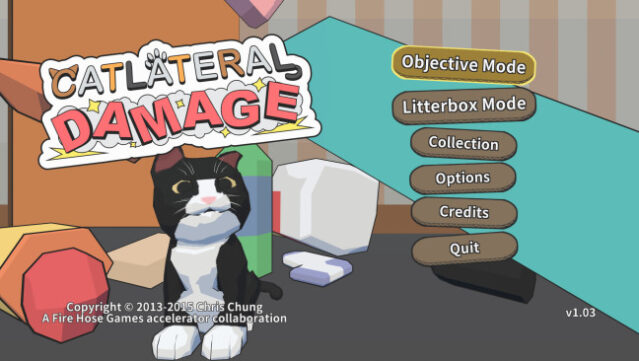
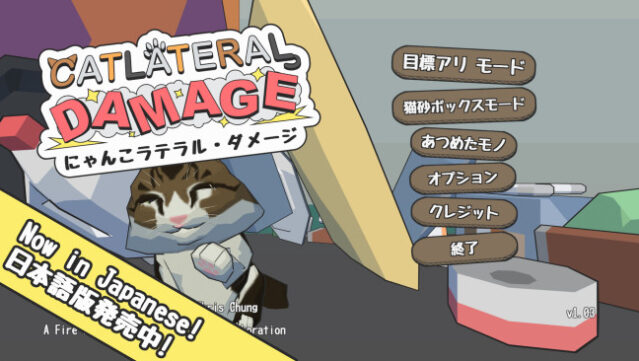
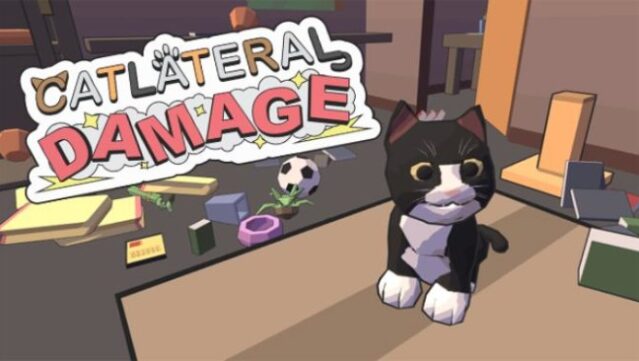
Imagine stepping into the furry paws of a mischievous cat, wreaking havoc and chaos in a household filled with fragile treasures. This first-person cat simulator invites players to experience life as a feline on a mission to knock everything off shelves and tables. You roam around various procedurally-generated homes, using your swiping paws as your main tools for destruction.
The game features a range of collectibles to discover, including over 230 photos of real cats, as well as unlockable feline characters and power-ups to spice up your antics. With its humorous take on cat behavior and endless possibilities for mayhem, this game is a delightful treat for anyone who enjoys lighthearted chaos. If you’ve ever wondered what it’s like to be a cat, this one’s definitely worth a whirl.
Instructions
- Click the Download button below and you will be redirected to UploadHaven.
- Wait 5 seconds and click on the blue ‘download now’ button. We recommend using a download manager for faster download speeds. (You can use FDM which is free here, or any other download manager).
- Once the game is finished downloading, right click the .zip file and click on “Extract to Catlateral Damage.zip” (To do this you will need 7-Zip, which you can get here, or you can use the built in windows extractor).
- Double click inside the Catlateral Damage folder and run the setup application. Accept the EULA, and install the game. Then, launch the game through the desktop shortcut.
Catlateral Damage Free Download
Catlateral Damage
Size: 466.20 MB
Reminder: This download is completely free and won't cost you a penny. However, If you love the game and want to purchase it, you can support the developers by doing so here.
System Requirements
- OS: Windows XP
- Processor: 2.0 GHz
- Memory: 2 GB RAM
- Graphics: NVIDIA GeForce 8600 GT
- Storage: 1 GB available space
- Additional Notes: Epilepsy warning: Some in-game effects may be problematic for some players. These can be disabled under the “Audio/Visual” tab of the “Options” menu on the title screen.
Screenshots