About Car Mechanic Simulator VR
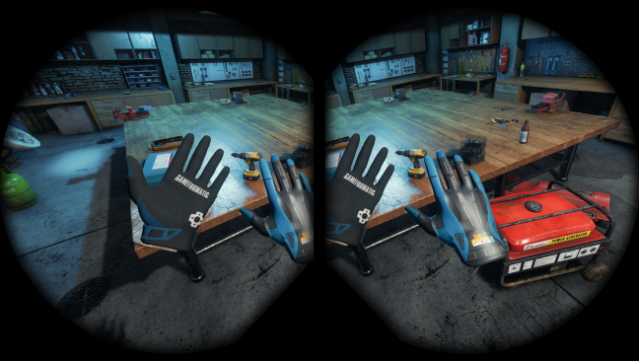
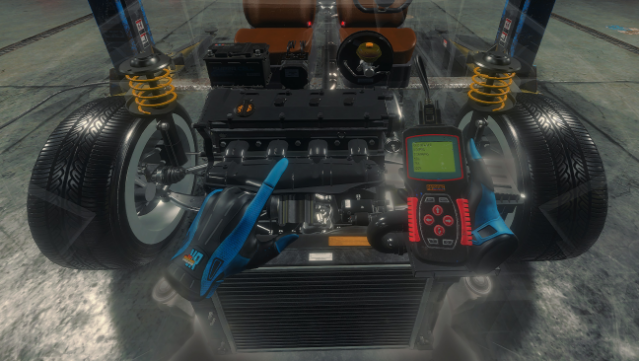
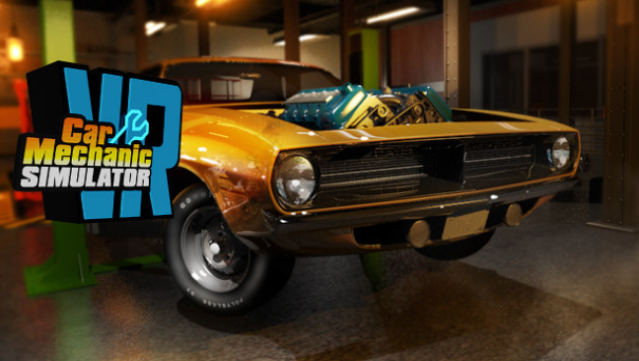
Immerse yourself in the detailed world of automotive repair, where you can fix, paint, and customize cars in a stunning virtual reality environment. This simulation game combines realistic mechanics with a fully 3D space, allowing players to discover classic and unique vehicles through the Barn Find and Junkyard modules. With over 42 cars to work on, a variety of tools, and more than 1,000 unique parts, you can build your own repair shop and expand your empire. The game also features car auctions to buy or sell vehicles, while the infinite, randomly generated missions provide a constant stream of challenges. If you’re a gearhead who loves hands-on experiences, this game is a fantastic match for you.
Instructions
- Click the Download button below and you will be redirected to UploadHaven.
- Wait 5 seconds and click on the blue ‘download now’ button. We recommend using a download manager for faster download speeds. (You can use FDM which is free here, or any other download manager).
- Once the game is finished downloading, right click the .zip file and click on “Extract to Car Mechanic Simulator VR.zip” (To do this you will need 7-Zip, which you can get here, or you can use the built in windows extractor).
- Double click inside the Car Mechanic Simulator VR folder and run the setup application. Accept the EULA, and install the game. Then, launch the game through the desktop shortcut.
Car Mechanic Simulator VR Free Download
Car Mechanic Simulator VR
Size: 7.98 GB
Reminder: This download is completely free and won't cost you a penny. However, If you love the game and want to purchase it, you can support the developers by doing so here.
System Requirements
- OS: Windows 10
- Processor: Intel Core i7 / AMD Ryzen 7
- Memory: 16 GB RAM
- Graphics: NVIDIA GeForce GTX 1660 Ti / AMD RX 5700
- DirectX: Version 11
- Storage: 13 GB available space
Screenshots