About Brave Alchemist Colette
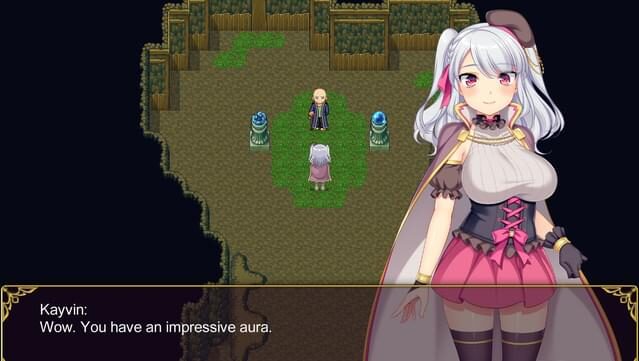
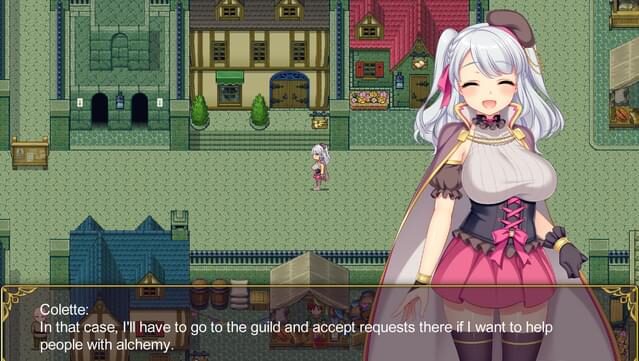
Dive into a whimsical world where alchemy meets adventure, as you step into the shoes of Colette, a budding alchemist. Set in a charming countryside and bustling capital, this game combines RPG elements with crafting mechanics, allowing players to explore, collect ingredients, and create potent potions. Colette embarks on a quest to assist those around her, all while uncovering a deeper, darker plot threatening the realm.
The game features a unique blend of character-driven storytelling and engaging alchemical experiments. Players can interact with a variety of quirky characters, each with their own stories and requests. As Colette hones her skills, she must also navigate the challenges posed by a shadowy antagonist, adding layers of intrigue.
This title is perfect for fans of lighthearted RPGs and anyone who enjoys a mix of crafting and exploration in their gaming experience.

Instructions
- Click the Download button below and you will be redirected to UploadHaven.
- Wait 5 seconds and click on the blue ‘download now’ button. We recommend using a download manager for faster download speeds. (You can use FDM which is free here, or any other download manager).
- Once the game is finished downloading, right click the .zip file and click on “Extract to Brave Alchemist Colette .zip” (To do this you will need 7-Zip, which you can get here, or you can use the built in windows extractor).
- Double click inside the Brave Alchemist Colette folder and run the setup application. Accept the EULA, and install the game. Then, launch the game through the desktop shortcut.
Brave Alchemist Colette Free Download
Brave Alchemist Colette
Size: 2.24 GB
Reminder: This download is completely free and won't cost you a penny. However, If you love the game and want to purchase it, you can support the developers by doing so here.
System Requirements
- Windows® 7/8/8.1/10
- Intel Core2 Duo or better
- 4 GB RAM
- DirectX 9/OpenGL 4.1 capable GPU
- Version 9.0
- 1 GB available space
- 1280×768 or better Display. Lag may occur from loading menus or maps. Turn off other programs before running the game.
Screenshots