About Blade and Sorcery
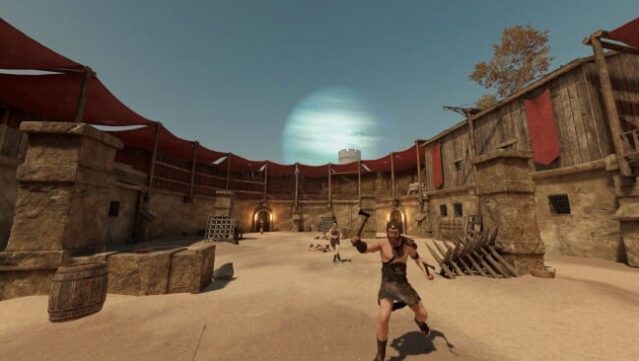
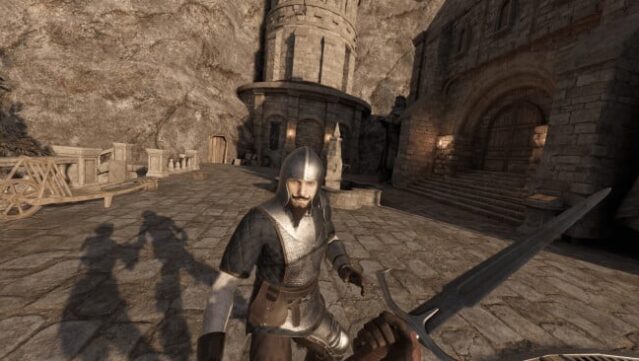
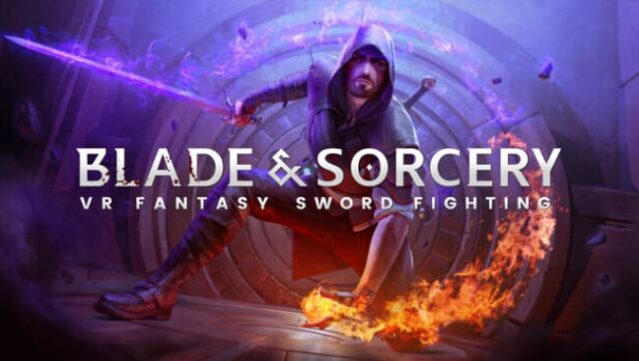
Immerse yourself in an unparalleled medieval fantasy experience where the laws of physics create a thrilling combat environment. This VR-exclusive title focuses on melee, ranged, and magical combat, delivering realistic interactions that enhance every encounter. With a physics-driven system, every swing, stab, and spell feels weighty and impactful, allowing for dynamic battles that respond to your movements.
Players can embark on the Crystal Hunt mode to unlock 78 unique skills while delving into the rich lore of Byeth and its ancient inhabitants. For those who crave freedom, the sandbox mode opens up a vast array of 76 weapons and 90 armor pieces, letting you fully customize your combat approach. Whether you want to be a fierce warrior, a cunning ranger, or a master sorcerer, the only limit here is your imagination.
Perfect for fans of immersive VR combat and creative gameplay.
Instructions
- Click the Download button below and you will be redirected to UploadHaven.
- Wait 5 seconds and click on the blue ‘download now’ button. We recommend using a download manager for faster download speeds. (You can use FDM which is free here, or any other download manager).
- Once the game is finished downloading, right click the .zip file and click on “Extract to Blade and Sorcery v1.1.0.25.zip” (To do this you will need 7-Zip, which you can get here, or you can use the built in windows extractor).
- Double click inside the Blade and Sorcery v1.1.0.25 folder and run the setup application. Accept the EULA, and install the game. Then, launch the game through the desktop shortcut.
Blade and Sorcery Free Download (v1.1.0.25)
Blade and Sorcery (v1.1.0.25)
Size: 13.69 GB
Reminder: This download is completely free and won't cost you a penny. However, If you love the game and want to purchase it, you can support the developers by doing so here.
System Requirements
- OS: Windows 10
- Processor: Quad Core 3GHz
- Memory: 8 GB RAM
- Graphics: NVIDIA GTX 1070
- VR Support: SteamVR or Oculus PCVR. Standing or Room Scale
- Additional Notes: Minimum 72Hz VR support
Screenshots