About Backrooms Project: The Lost File
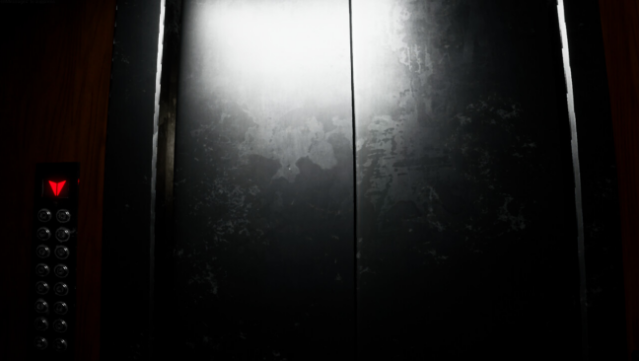
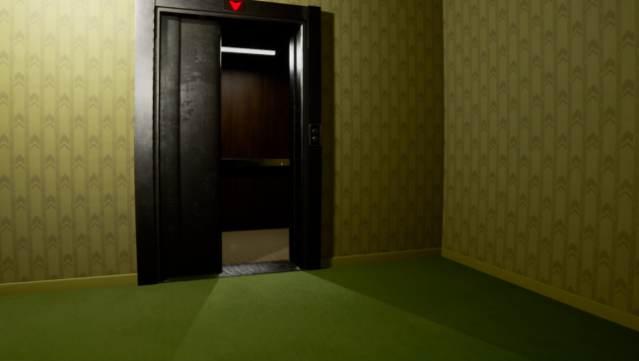
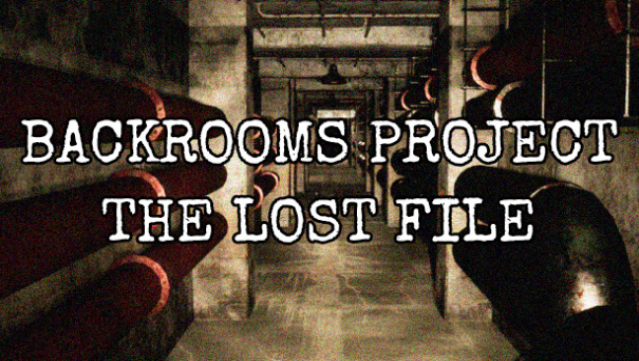
Step into a chilling universe where unease and mystery reign supreme. This game immerses players in the eerie realm of the Backrooms, a place filled with dread, puzzles, and the constant threat of the unknown. As you navigate through ten uniquely crafted levels, your objective is to uncover the lost files that hold the key to understanding the haunting nature of this environment. Each level challenges you with intricate puzzles that require keen observation and problem-solving skills, while the unsettling atmosphere keeps tension high. With a blend of exploration and horror, this game appeals to those who enjoy unraveling secrets in a creepy setting. If you're a fan of psychological horror or puzzle games, this one is sure to captivate you.
Instructions
- Click the Download button below and you will be redirected to UploadHaven.
- Wait 5 seconds and click on the blue ‘download now’ button. We recommend using a download manager for faster download speeds. (You can use FDM which is free here, or any other download manager).
- Once the game is finished downloading, right click the .zip file and click on “Extract to Backrooms Project: The Lost File.zip” (To do this you will need 7-Zip, which you can get here, or you can use the built in windows extractor).
- Double click inside the Backrooms Project: The Lost File folder and run the setup application. Accept the EULA, and install the game. Then, launch the game through the desktop shortcut.
Backrooms Project: The Lost File Free Download
Backrooms Project: The Lost File
Size: 4.29 GB
Reminder: This download is completely free and won't cost you a penny. However, If you love the game and want to purchase it, you can support the developers by doing so here.
System Requirements
- Requires a 64-bit processor and operating system
- OS: Windows 8 / 10 / 11 – 64 bit
- Processor: Intel Core i3
- Memory: 8 GB RAM
- Graphics: NVIDIA GeForce GTX 650
- DirectX: Version 11
- Storage: 10 GB available space
- Sound Card: Any
- VR Support: No
- Additional Notes: The requirements may change in future updates.
Screenshots