About Area 51 (2005)
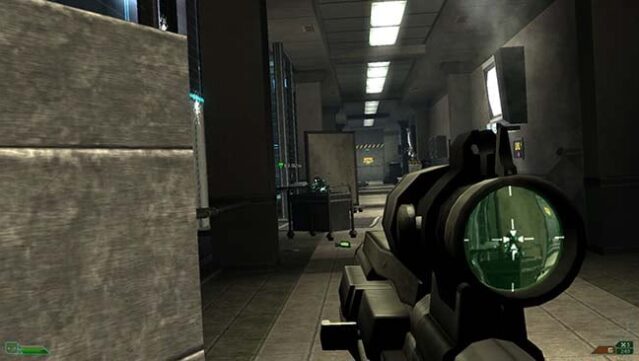
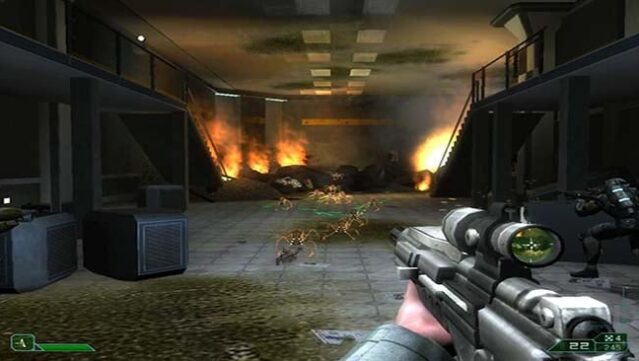
Dive into the heart of one of the most notorious military sites in America in this adrenaline-fueled first-person shooter. Set within the enigmatic Area 51, players take on the role of Ethan Cole, a member of a Special Forces unit dispatched to unravel the chaos following a viral outbreak that has trapped personnel inside. The gameplay unfolds across five expansive levels filled with intense combat and exploration as Cole fights against both human and alien threats.
Standout features include a mix of real-world military tactics and sci-fi elements, engaging enemies with a variety of unique abilities, and a gripping atmosphere fueled by conspiracy and mystery. This game is ideal for fans of fast-paced shooters and anyone intrigued by government secrets and extraterrestrial lore.

Instructions
- Click the Download button below and you will be redirected to UploadHaven.
- Wait 5 seconds and click on the blue ‘download now’ button. We recommend using a download manager for faster download speeds. (You can use FDM which is free here, or any other download manager).
- Once the game is finished downloading, right click the .zip file and click on “Extract to Area 51 (2005) v2005.zip” (To do this you will need 7-Zip, which you can get here, or you can use the built in windows extractor).
- Double click inside the Area 51 (2005) v2005 folder and run the setup application. Accept the EULA, and install the game. Then, launch the game through the desktop shortcut.
Area 51 (2005) Free Download (v2005)
Area 51 (2005) (v2005)
Size: 1.47 GB
Reminder: This download is completely free and won't cost you a penny. However, If you love the game and want to purchase it, you can support the developers by doing so here.
System Requirements
- OS: Windows XP or newer
- Processor: Pentium 4 or Athlon XP
- Memory: 512 MB RAM
- Graphics: 64 MB 3D Video Card (GeForce3+ / Radeon 9500+ / Intel 915g+)
- DirectX: Version 9
- Storage: 2 GB available space
- Additional Notes: If your cutscenes are choppy, run the game in border-less window mode
Screenshots