About Animus - Stand Alone
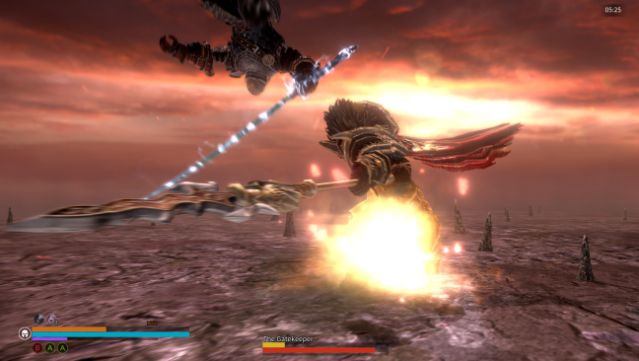
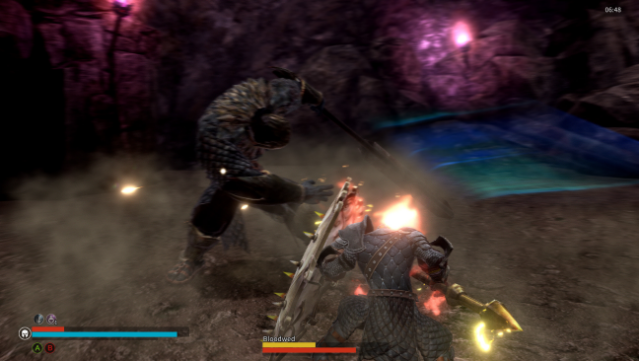
Dive into a fractured world where your skills as a warrior dictate the fate of a broken realm. This action RPG immerses players in fast-paced stages filled with intense combat and challenging boss encounters. You'll need to strategize your weapon choices carefully, considering factors like distance, timing, and stamina, to overcome your foes. Each decision impacts the outcome of your battles, creating a dynamic and engaging experience. While rooted in the lore of Ire: Blood Memory, prior knowledge isn’t necessary to enjoy this standalone title. It's a perfect pick for action RPG fans looking for quick, satisfying gameplay and a rich fantasy setting.
Instructions
- Click the Download button below and you will be redirected to UploadHaven.
- Wait 5 seconds and click on the blue ‘download now’ button. We recommend using a download manager for faster download speeds. (You can use FDM which is free here, or any other download manager).
- Once the game is finished downloading, right click the .zip file and click on “Extract to Animus - Stand Alone.zip” (To do this you will need 7-Zip, which you can get here, or you can use the built in windows extractor).
- Double click inside the Animus - Stand Alone folder and run the setup application. Accept the EULA, and install the game. Then, launch the game through the desktop shortcut.
Animus – Stand Alone Free Download
Animus - Stand Alone
Size: 1.18 GB
Reminder: This download is completely free and won't cost you a penny. However, If you love the game and want to purchase it, you can support the developers by doing so here.
System Requirements
- OS: Windows 7 SP1 64bit, Windows 8.1 64bit Windows 10 64bit
- Processor: AMD FX-8150 / AMD Ryzen 3 1300X or Intel Core I5-2500K
- Memory: 4 GB RAM
- Graphics: Minimum 2GB VRAM (AMD Radeon HD 7000 series or Nvidia GeForce 600 series)
- DirectX: Version 11
- Storage: 3 GB available space
- Sound Card: Realtek HD Audio
Screenshots