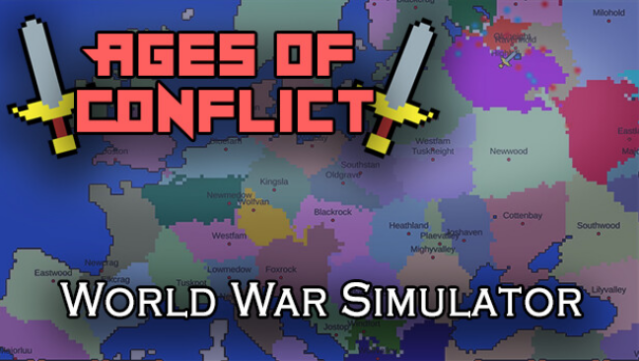
About Ages of Conflict: World War Simulator
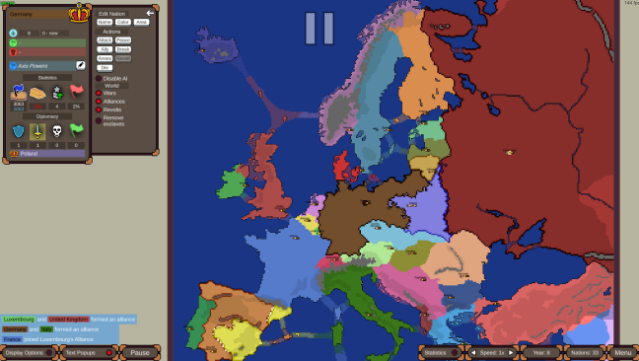
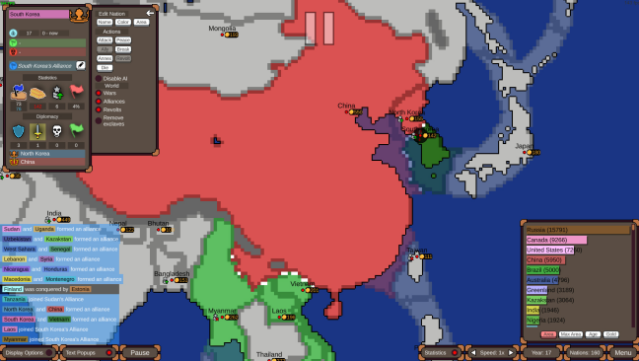
Step into a dynamic sandbox where nations rise and fall in an ever-evolving global conflict. This World War simulation game allows you to watch AI-controlled countries engage in complex interactions, from forming alliances to sparking revolts, all within a vast free-for-all environment.
Players enjoy multiple pre-designed maps and scenarios or can unleash their creativity by crafting custom landscapes and situations. With just a click, you can influence the fate of nations—prompting battles, forging peace, or even triggering societal collapse. The game serves as a valuable world-building tool, tracking historical nations and their legacies, and even simulating events over millions of years.
If you're intrigued by alternate histories and want to explore the intricacies of geopolitics, this game is definitely for you.
Instructions
- Click the Download button below and you will be redirected to UploadHaven.
- Wait 5 seconds and click on the blue ‘download now’ button. We recommend using a download manager for faster download speeds. (You can use FDM which is free here, or any other download manager).
- Once the game is finished downloading, right click the .zip file and click on “Extract to Ages of Conflict: World War Simulator v4.5.1.zip” (To do this you will need 7-Zip, which you can get here, or you can use the built in windows extractor).
- Double click inside the Ages of Conflict: World War Simulator v4.5.1 folder and run the setup application. Accept the EULA, and install the game. Then, launch the game through the desktop shortcut.
Ages of Conflict: World War Simulator Free Download (v4.5.1)
Ages of Conflict: World War Simulator (v4.5.1)
Size: 145.94 MB
Reminder: This download is completely free and won't cost you a penny. However, If you love the game and want to purchase it, you can support the developers by doing so here.
System Requirements
- Requires a 64-bit processor and operating system
- OS: Windows 7 (64bit)
- Processor: Intel Core i5-8250U 1.60 GHz
- Memory: 2 GB RAM
- Graphics: GeForce GTX 560
- DirectX: Version 10
- Storage: 110 MB available space
- Additional Notes: 16:9 recommended
Screenshots