About Space Simulation Toolkit
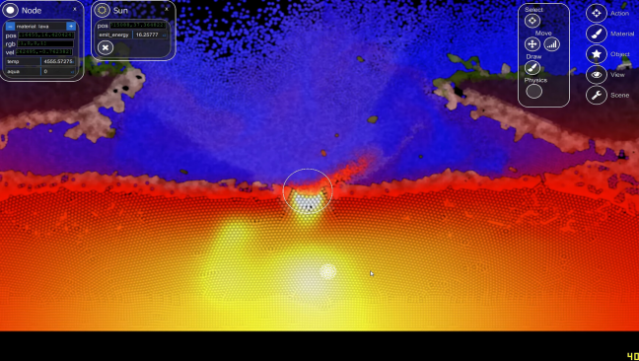
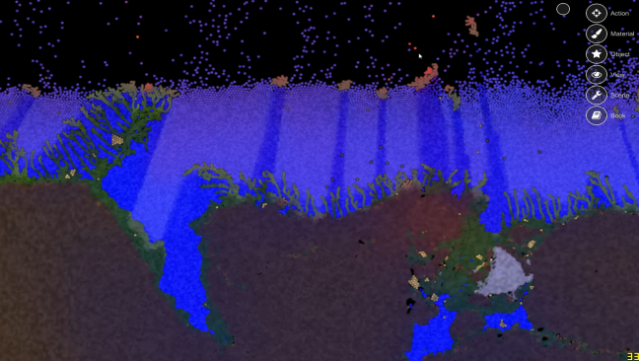
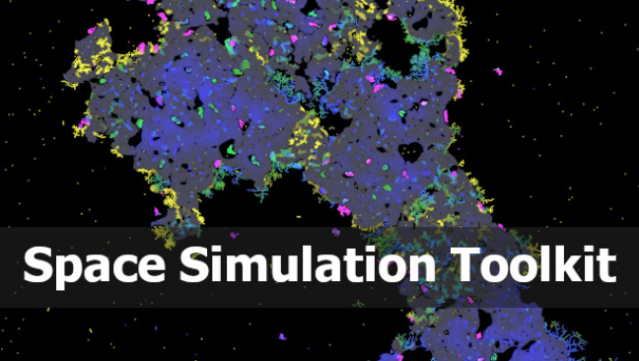
Imagine a vast sandbox where you can manipulate the very fabric of reality—this is what this game offers. It blends simulation and creativity, allowing players to craft their own unique environments by modifying physics and designing intricate mechanisms. Set within a realm that operates on atomic building blocks, you can create structures with diverse physical properties, simulating everything from gases to solids. One standout feature is the “Protobiome” simulation, which immerses you in a living ecosystem filled with evolving plants and creatures, all governed by genetic principles. With the power of your graphics card enhancing the experience, the game caters to those who thrive on experimentation and innovation. Ideal for fans of simulation games and anyone interested in crafting their own virtual worlds.
Instructions
- Click the Download button below and you will be redirected to UploadHaven.
- Wait 5 seconds and click on the blue ‘download now’ button. We recommend using a download manager for faster download speeds. (You can use FDM which is free here, or any other download manager).
- Once the game is finished downloading, right click the .zip file and click on “Extract to Space Simulation Toolkit v0.10.3.12.zip” (To do this you will need 7-Zip, which you can get here, or you can use the built in windows extractor).
- Double click inside the Space Simulation Toolkit v0.10.3.12 folder and run the setup application. Accept the EULA, and install the game. Then, launch the game through the desktop shortcut.
Space Simulation Toolkit Free Download (v0.10.3.12)
Space Simulation Toolkit (v0.10.3.12)
Size: 118.69 MB
Reminder: This download is completely free and won't cost you a penny. However, If you love the game and want to purchase it, you can support the developers by doing so here.
System Requirements
- Requires a 64-bit processor and operating system
- OS *: Windows 7
- Processor: Core i3
- Memory: 2 GB RAM
- Graphics: NVIDIA/AMD with OpenCL 1.2 support, 1+ GB VRAM
- Storage: 1 GB available space
- Additional Notes: NOT ALL GPU SUPPORTED! CHECK DEMO FIRST
Screenshots