About Simulator Z
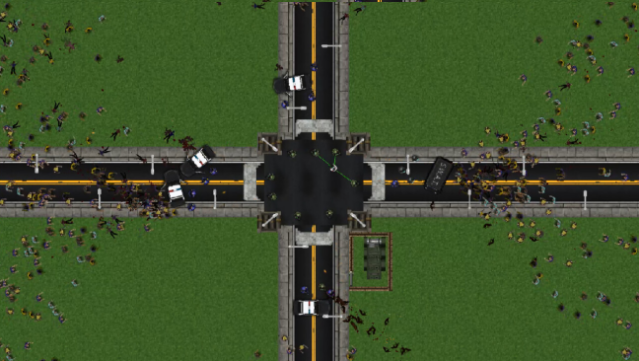
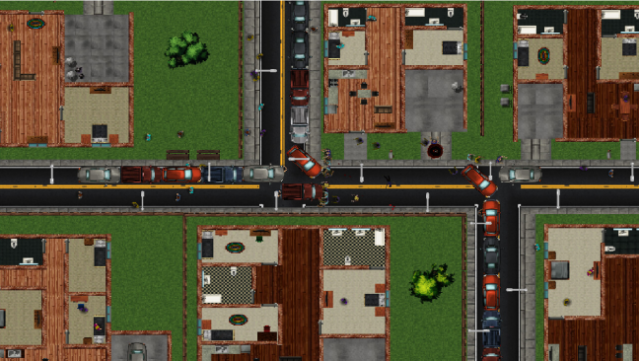
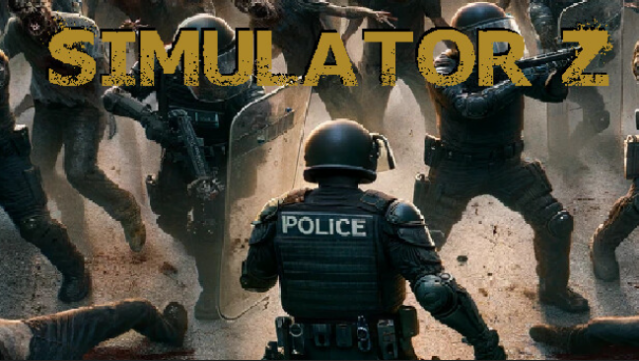
Dive into a chaotic world where your creativity leads epic confrontations between humans and the undead. This zombie simulation game lets players orchestrate intense battles, whether you're unleashing a horde on a prison or defending a hospital from vicious zombie dogs. The gameplay revolves around strategic planning and resource management, as you craft scenarios filled with thrilling action and suspense. Standout features include the ability to design custom zombie encounters and the continuous updates that promise new tools and experiences. This game is perfect for those who enjoy sandbox-style gameplay and have a penchant for the macabre, making it a must-try for fans of the zombie genre.
Instructions
- Click the Download button below and you will be redirected to UploadHaven.
- Wait 5 seconds and click on the blue ‘download now’ button. We recommend using a download manager for faster download speeds. (You can use FDM which is free here, or any other download manager).
- Once the game is finished downloading, right click the .zip file and click on “Extract to Simulator Z v0.4.1.12.zip” (To do this you will need 7-Zip, which you can get here, or you can use the built in windows extractor).
- Double click inside the Simulator Z v0.4.1.12 folder and run the setup application. Accept the EULA, and install the game. Then, launch the game through the desktop shortcut.
Simulator Z Free Download (v0.4.1.12)
Simulator Z (v0.4.1.12)
Size: 130.43 MB
Reminder: This download is completely free and won't cost you a penny. However, If you love the game and want to purchase it, you can support the developers by doing so here.
System Requirements
- Requires a 64-bit processor and operating system
- OS: Windows 10×64 (64-bit OS Required)
- Processor: 3GHz CPU
- Memory: 4 GB RAM
- Graphics: 1GB DirectX 11.0 compatible video card
- DirectX: Version 11
- Storage: 1 GB available space
- Sound Card: None
Screenshots