About Desktop Pet Project
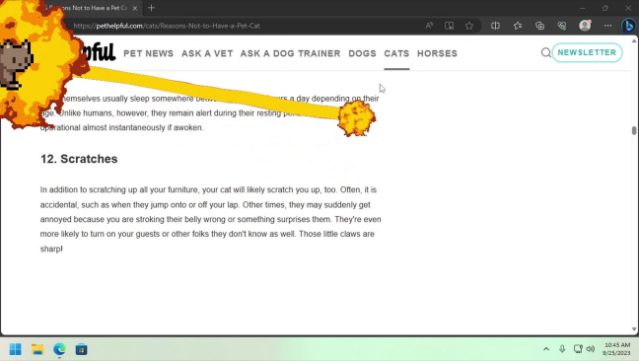
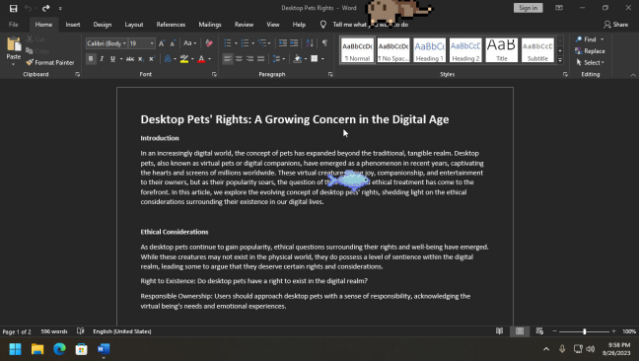
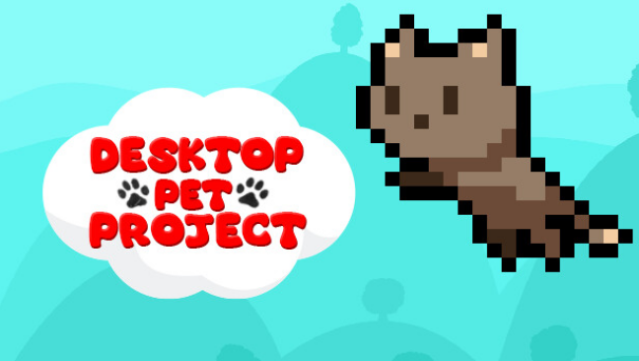
This game brings a charming twist to your desktop experience, letting you interact with whimsical virtual pets that brighten up your screen. It falls under the simulation genre, allowing you to summon up to four distinct pets, each with their quirky personalities and customizable behaviors. You can name these adorable companions and choose from a variety of colorful cats or even import your favorite Shimeji for added fun.
The gameplay encourages you to nurture your pets by feeding them and engaging in mini-games, all while ensuring they get their beauty sleep—disturbing them can lead to some playful reminders about your responsibilities as a pet owner. With Steam Workshop support, you can explore community-created pets and enjoy a creative pet creation manager that lets you fine-tune every detail. If you're a fan of casual simulations that offer a blend of care and creativity, this one's definitely worth checking out.
Instructions
- Click the Download button below and you will be redirected to UploadHaven.
- Wait 5 seconds and click on the blue ‘download now’ button. We recommend using a download manager for faster download speeds. (You can use FDM which is free here, or any other download manager).
- Once the game is finished downloading, right click the .zip file and click on “Extract to Desktop Pet Project.zip” (To do this you will need 7-Zip, which you can get here, or you can use the built in windows extractor).
- Double click inside the Desktop Pet Project folder and run the setup application. Accept the EULA, and install the game. Then, launch the game through the desktop shortcut.
Desktop Pet Project Free Download
Desktop Pet Project
Size: 106.64 MB
Reminder: This download is completely free and won't cost you a penny. However, If you love the game and want to purchase it, you can support the developers by doing so here.
System Requirements
- OS *: Windows 7
- Processor: 2.5Ghz
- Memory: 512 MB RAM
- Graphics: Support for Vulkan 1.2
Screenshots