About Daily Chthonicle: Editor's Edition
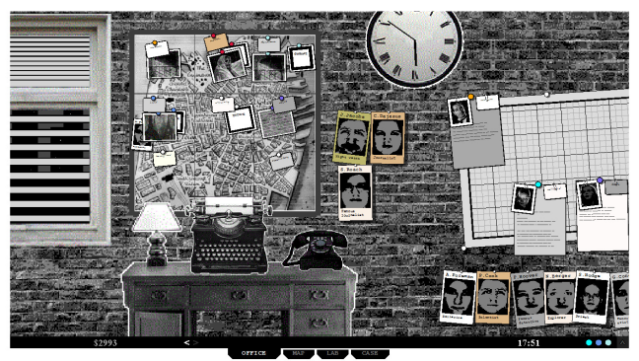
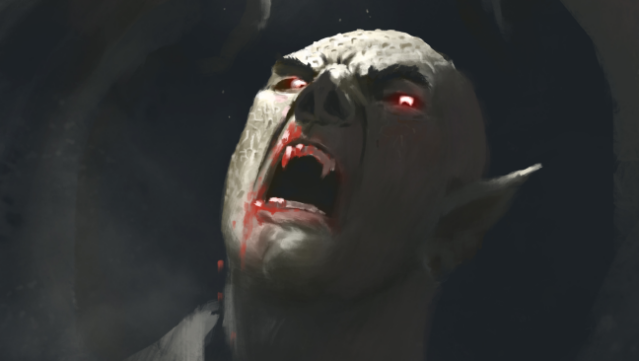
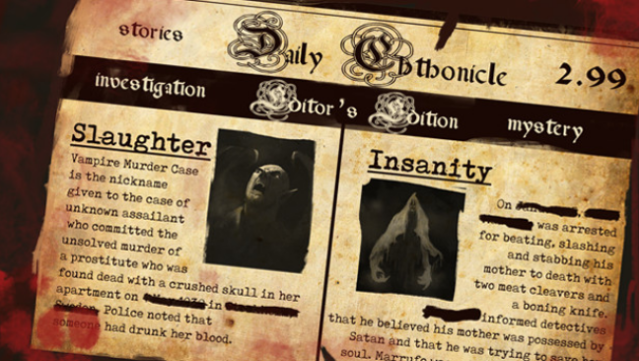
Step into the eerie shoes of the editor of a supernatural newspaper in a world brimming with dark mysteries and nightmarish creatures. This unique blend of adventure and strategy places you in a haunted town filled with ghosts, zombies, and other horrors, all inspired by the unsettling tales of H.P. Lovecraft. You manage a team of seasoned journalists and detectives, sending them to investigate chilling cases like werewolf attacks and ancient mummies unleashed from their graves. Each investigation presents a fresh narrative, keeping the gameplay dynamic and engaging as you strive to uncover the truth and keep your readers captivated. With its noir atmosphere and unpredictable storylines, this game is perfect for fans of mystery and horror who enjoy unraveling complex tales in a hauntingly immersive setting.
Instructions
- Click the Download button below and you will be redirected to UploadHaven.
- Wait 5 seconds and click on the blue ‘download now’ button. We recommend using a download manager for faster download speeds. (You can use FDM which is free here, or any other download manager).
- Once the game is finished downloading, right click the .zip file and click on “Extract to Daily Chthonicle: Editor's Edition.zip” (To do this you will need 7-Zip, which you can get here, or you can use the built in windows extractor).
- Double click inside the Daily Chthonicle: Editor's Edition folder and run the setup application. Accept the EULA, and install the game. Then, launch the game through the desktop shortcut.
Daily Chthonicle: Editor’s Edition Free Download
Daily Chthonicle: Editor's Edition
Size: 98.37 MB
Reminder: This download is completely free and won't cost you a penny. However, If you love the game and want to purchase it, you can support the developers by doing so here.
System Requirements
- OS: Windows 7
- Processor: 1.8 GHz Single Core CPU
- Memory: 1 GB RAM
- Graphics: Even integrated laptop video is ok.
- Storage: 500 MB available space
Screenshots