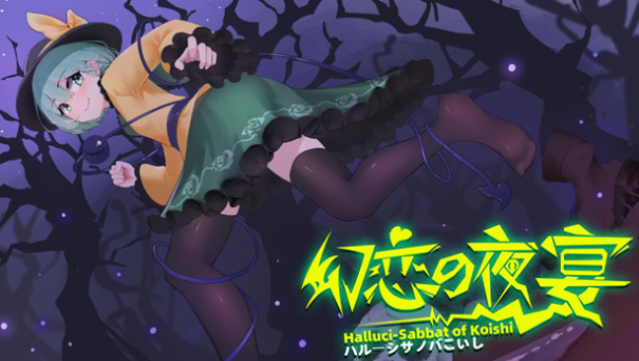
About Halluci-Sabbat of Koishi
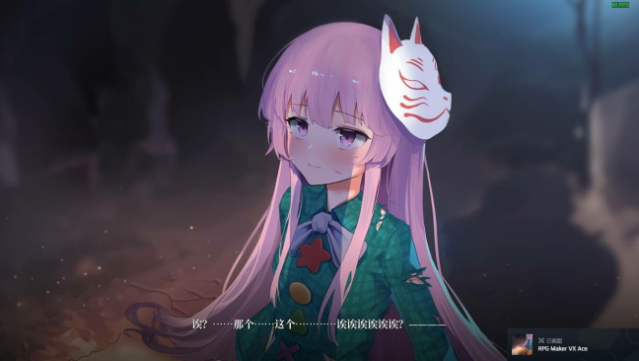
Dive into a captivating world where you become Komeiji Koishi, a Satori monster navigating a mystical battlefield. This 2D side-scrolling action game blends sword combat with a fast-paced, challenging gameplay experience. Set against the backdrop of a magical forest teeming with dangers, you assist a Human Witch in gathering rare potion ingredients while facing off against illusory mushrooms and various undead foes.
As you explore deeper into the treacherous miasma, every encounter tests your skills and reflexes, turning battles into a thrilling dance of attack and counterattack. The stakes are high, and carelessness can lead to quick defeats, making strategic play essential. This game is perfect for fans of challenging action titles who enjoy intricate mechanics and a rich, fantasy-infused narrative.
Instructions
- Click the Download button below and you will be redirected to UploadHaven.
- Wait 5 seconds and click on the blue ‘download now’ button. We recommend using a download manager for faster download speeds. (You can use FDM which is free here, or any other download manager).
- Once the game is finished downloading, right click the .zip file and click on “Extract to Halluci-Sabbat of Koishi v1.1.18.zip” (To do this you will need 7-Zip, which you can get here, or you can use the built in windows extractor).
- Double click inside the Halluci-Sabbat of Koishi v1.1.18 folder and run the setup application. Accept the EULA, and install the game. Then, launch the game through the desktop shortcut.
Halluci-Sabbat of Koishi Free Download (v1.1.18)
Halluci-Sabbat of Koishi (v1.1.18)
Size: 4.78 GB
Reminder: This download is completely free and won't cost you a penny. However, If you love the game and want to purchase it, you can support the developers by doing so here.
System Requirements
- OS: Windows 7
- Processor: Any CPU
- Memory: 2 GB RAM
- Graphics: Any
- DirectX: Version 9.0
- Storage: 1 GB available space
- Sound Card: Normal Sound Card
- Additional Notes: In case of jamming and frame reduction caused by special effects, it can be solved by manually switching to independent graphics card operation
Screenshots