About Retro Gadgets
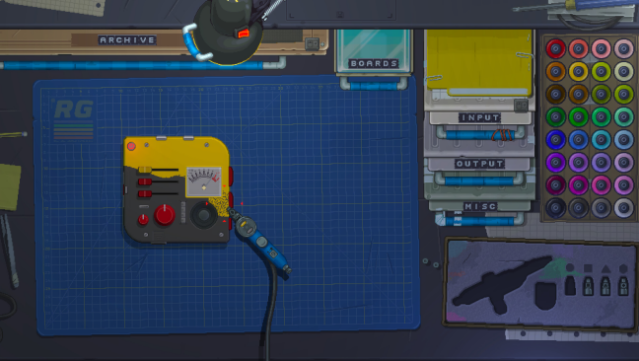
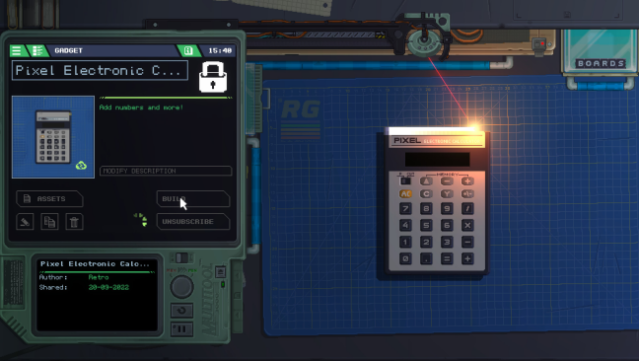
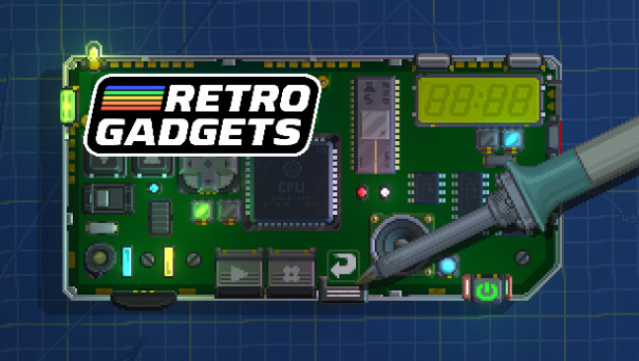
Dive into a hands-on experience where creativity meets nostalgia in a unique crafting simulation. This game places you at a cozy workbench, surrounded by endless possibilities, as you design and construct a variety of retro gadgets. From video game consoles to weather machines, you engage in a satisfying gameplay loop that involves soldering, coding, and customizing to bring your creations to life.
Standout features include an interactive pixel art workbench where every component feels real, the ability to explore gadgets created by other players, and a connection to your desktop for showcasing your inventions. Whether you’re tweaking circuit boards or adding personal flair with stickers, the tactile nature of building keeps you immersed for hours.
This game is perfect for fans of DIY projects and those who love to tinker with technology.
Instructions
- Click the Download button below and you will be redirected to UploadHaven.
- Wait 5 seconds and click on the blue ‘download now’ button. We recommend using a download manager for faster download speeds. (You can use FDM which is free here, or any other download manager).
- Once the game is finished downloading, right click the .zip file and click on “Extract to Retro Gadgets v0.1.9.zip” (To do this you will need 7-Zip, which you can get here, or you can use the built in windows extractor).
- Double click inside the Retro Gadgets v0.1.9 folder and run the setup application. Accept the EULA, and install the game. Then, launch the game through the desktop shortcut.
Retro Gadgets Free Download (v0.1.9)
Retro Gadgets (v0.1.9)
Size: 207.38 MB
Reminder: This download is completely free and won't cost you a penny. However, If you love the game and want to purchase it, you can support the developers by doing so here.
System Requirements
- Requires a 64-bit processor and operating system
- OS: Microsoft Windows 8 / 8.1 / 10 (64 bit)
- Processor: Intel Core2Duo 2GHz or AMD equivalent (or better)
- Memory: 4 GB RAM
- Graphics: Intel HD series 5000 (or better) or discrete video card
- DirectX: Version 9.0c
- Storage: 300 MB available space
Screenshots