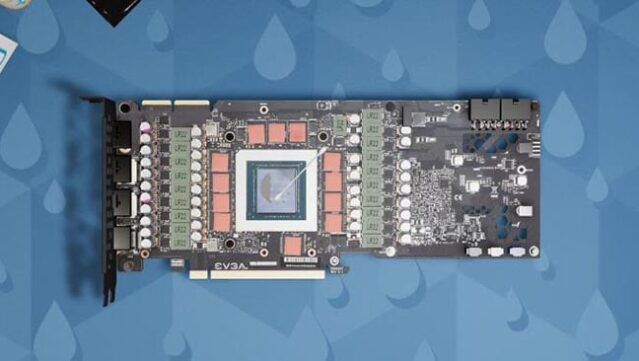
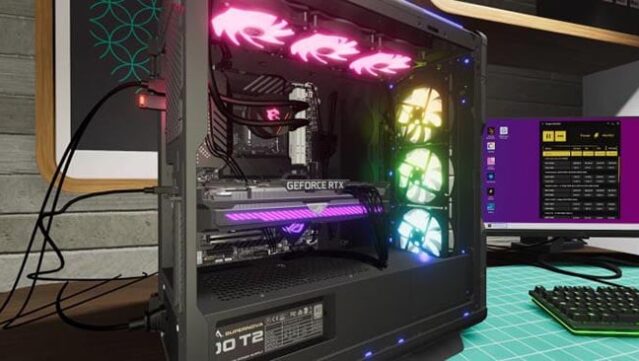
About PC Building Simulator 2
Dive into the world of PC construction and repair in this engaging simulation game that lets you run your own computer business. Players embark on a journey in Career Mode, where they learn the ins and outs of building and fixing PCs, all while upgrading their workshop and unlocking a variety of tools as they progress. The gameplay revolves around meeting customer demands and ensuring satisfaction, which in turn boosts your reputation.
For those who prefer to let their creativity shine, Free Build Mode offers a vast selection of over 1,200 components to create high-performance machines. You can install advanced cooling systems, overclock your hardware, and utilize benchmarking tools like 3DMark to ensure everything runs smoothly. This game is perfect for fans of simulation and tech enthusiasts who appreciate the intricate details of PC building.
Instructions
- Click the Download button below and you will be redirected to UploadHaven.
- Wait 5 seconds and click on the blue ‘download now’ button. We recommend using a download manager for faster download speeds. (You can use FDM which is free here, or any other download manager).
- Once the game is finished downloading, right click the .zip file and click on “Extract to PC Building Simulator 2 v1.17.02.zip” (To do this you will need 7-Zip, which you can get here, or you can use the built in windows extractor).
- Double click inside the PC Building Simulator 2 v1.17.02 folder and run the setup application. Accept the EULA, and install the game. Then, launch the game through the desktop shortcut.
PC Building Simulator 2 Free Download (v1.17.02)
PC Building Simulator 2 (v1.17.02)
Size: 9.60 GB
Reminder: This download is completely free and won't cost you a penny. However, If you love the game and want to purchase it, you can support the developers by doing so here.
System Requirements
- OS: Windows 10
- Processor: Intel Core i5-3570 or AMD FX-8350
- Memory: 8 GB RAM
- Graphics: NVIDIA GeForce GTX 1050 Ti, 4 GB or AMD Radeon R9 380X, 4 GB
- Storage: 8 GB available space
Screenshots