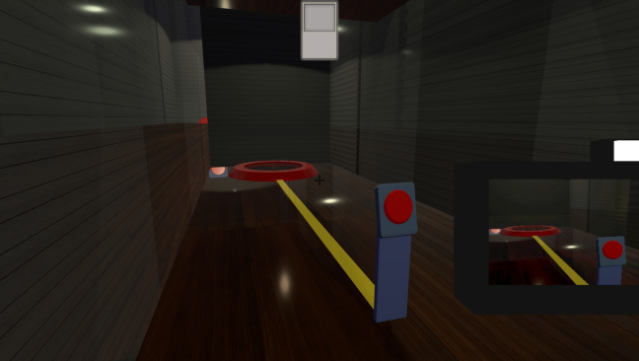
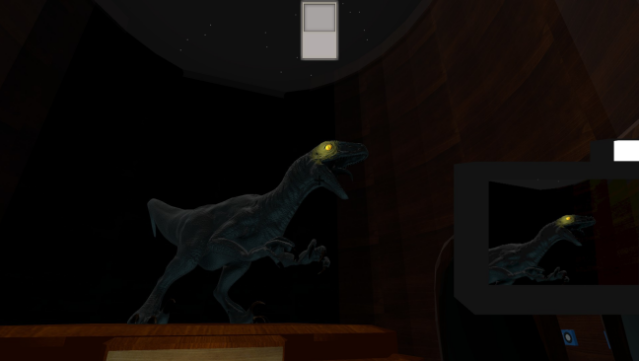
About FREEZEFRAME
Immerse yourself in a captivating 3D puzzle platformer where your only way out is through clever photography. Set within the sprawling halls of a museum, you navigate a series of inventive puzzles using a camera that allows you to teleport to any location you photograph. The gameplay loop involves strategically capturing images to maneuver through moving platforms, navigate fans, and even tackle challenges in an acid-filled gift shop. Each successfully solved puzzle brings you closer to unlocking the museum's front door and escaping your predicament. This game is perfect for those who enjoy inventive mechanics and challenging environments, making it a must-try for puzzle enthusiasts.

Instructions
- Click the Download button below and you will be redirected to UploadHaven.
- Wait 5 seconds and click on the blue ‘download now’ button. We recommend using a download manager for faster download speeds. (You can use FDM which is free here, or any other download manager).
- Once the game is finished downloading, right click the .zip file and click on “Extract to FREEZEFRAME.zip” (To do this you will need 7-Zip, which you can get here, or you can use the built in windows extractor).
- Double click inside the FREEZEFRAME folder and run the setup application. Accept the EULA, and install the game. Then, launch the game through the desktop shortcut.
FREEZEFRAME Free Download
Reminder: This download is completely free and won't cost you a penny. However, If you love the game and want to purchase it, you can support the developers by doing so here.
System Requirements
- OS: Windows 7
- Processor: Intel HD Graphics
- Memory: 6 GB RAM
- Graphics: Intel(R) HD Graphics
- Storage: 105 MB available space
- Sound Card: Realtek Audio
Screenshots