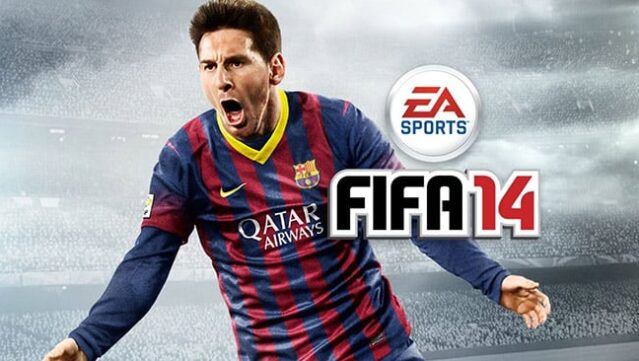
About FIFA 14
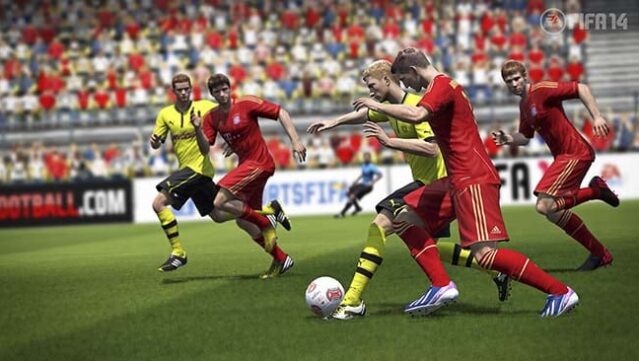
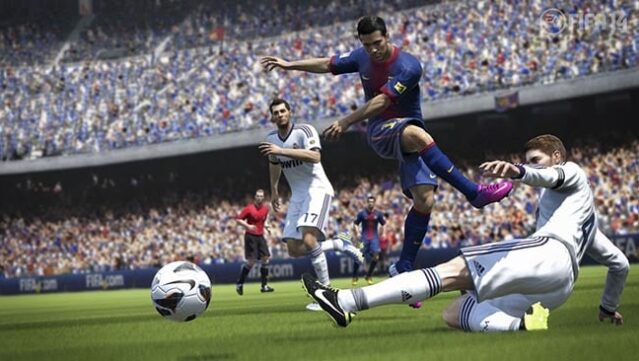
Step onto the pitch in this immersive football simulation that captures the excitement of the beautiful game. As a sports title, it offers players the chance to engage in realistic matches, mastering the art of passing, shooting, and defending. With enhanced graphics and animation, every dribble and tackle feels lifelike, allowing you to experience the thrill of being part of a team.
The core gameplay loop involves strategic planning, where you can build your dream squad and compete in various modes, from quick matches to extensive tournaments. Notable features include an improved career mode that lets you guide your team through seasons and a robust online multiplayer experience for challenging friends.
This game is perfect for soccer enthusiasts who thrive on competition and strategy, making it a must-play for fans of sports simulations.
Instructions
- Click the Download button below and you will be redirected to UploadHaven.
- Wait 5 seconds and click on the blue ‘download now’ button. We recommend using a download manager for faster download speeds. (You can use FDM which is free here, or any other download manager).
- Once the game is finished downloading, right click the .zip file and click on “Extract to FIFA 14.zip” (To do this you will need 7-Zip, which you can get here, or you can use the built in windows extractor).
- Double click inside the FIFA 14 folder and run the setup application. Accept the EULA, and install the game. Then, launch the game through the desktop shortcut.
FIFA 14 Free Download
Reminder: This download is completely free and won't cost you a penny. However, If you love the game and want to purchase it, you can support the developers by doing so here.
System Requirements
- OS: Windows 7 or newer
- Processor: Intel® Core™ 2 Duo 1.8 Ghz or better
- Memory: 2 GB RAM
- Graphics: Video card must be 256 MB or more and should be a DirectX 9-compatible
- DirectX: Version 9
- Storage: 10 GB available space
Screenshots