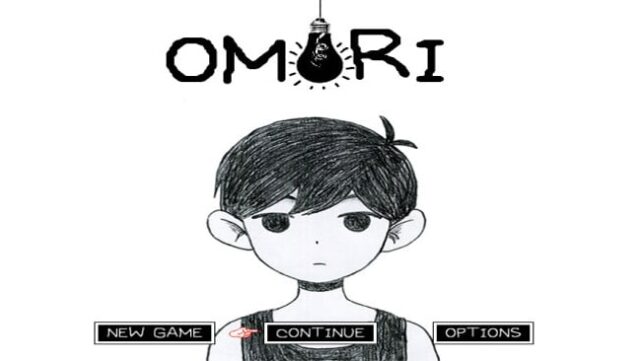
About OMORI
Dive into a captivating blend of whimsical charm and haunting narrative in this unique RPG. Set in a surreal world teeming with eccentric characters and bizarre landscapes, players traverse both vibrant environments and the more ordinary aspects of life as they piece together a mysterious history. The core gameplay revolves around exploration, turn-based battles, and making choices that shape your journey and the destinies of those around you. Standout features include a striking visual style that melds cute and eerie elements, as well as a rich emotional narrative that challenges perceptions of friendship and memory. This game is perfect for fans of storytelling in their adventures and those who enjoy a touch of the unconventional in their gameplay experiences.

Instructions
- Click the Download button below and you will be redirected to UploadHaven.
- Wait 5 seconds and click on the blue ‘download now’ button. We recommend using a download manager for faster download speeds. (You can use FDM which is free here, or any other download manager).
- Once the game is finished downloading, right click the .zip file and click on “Extract to OMORI v1.0.8.zip” (To do this you will need 7-Zip, which you can get here, or you can use the built in windows extractor).
- Double click inside the OMORI v1.0.8 folder and run the setup application. Accept the EULA, and install the game. Then, launch the game through the desktop shortcut.
OMORI Free Download (v1.0.8)
Reminder: This download is completely free and won't cost you a penny. However, If you love the game and want to purchase it, you can support the developers by doing so here.
System Requirements
- Requires a 64-bit processor and operating system
- OS: Microsoft Windows 8.1 (32bit/64bit)
- Processor: Intel N4100 (or similar) or better
- Memory: 4 GB RAM
- Graphics: DirectX 9/OpenGL 4.1 capable GPU
- DirectX: Version 9.0c
- Storage: 2 GB available space
- Additional Notes: 1280×720 display is recommended at x2 resolution but is not required
Screenshots